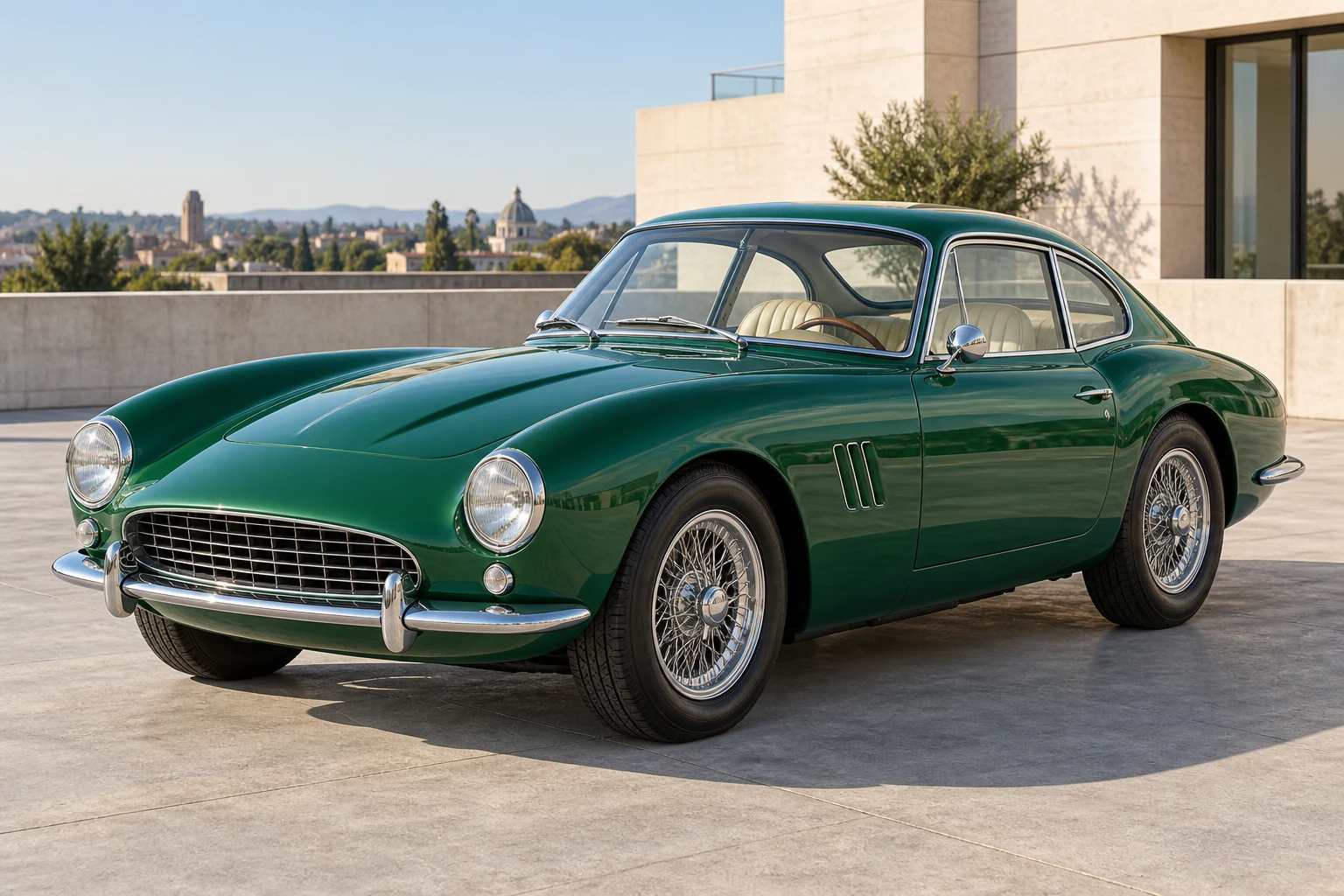
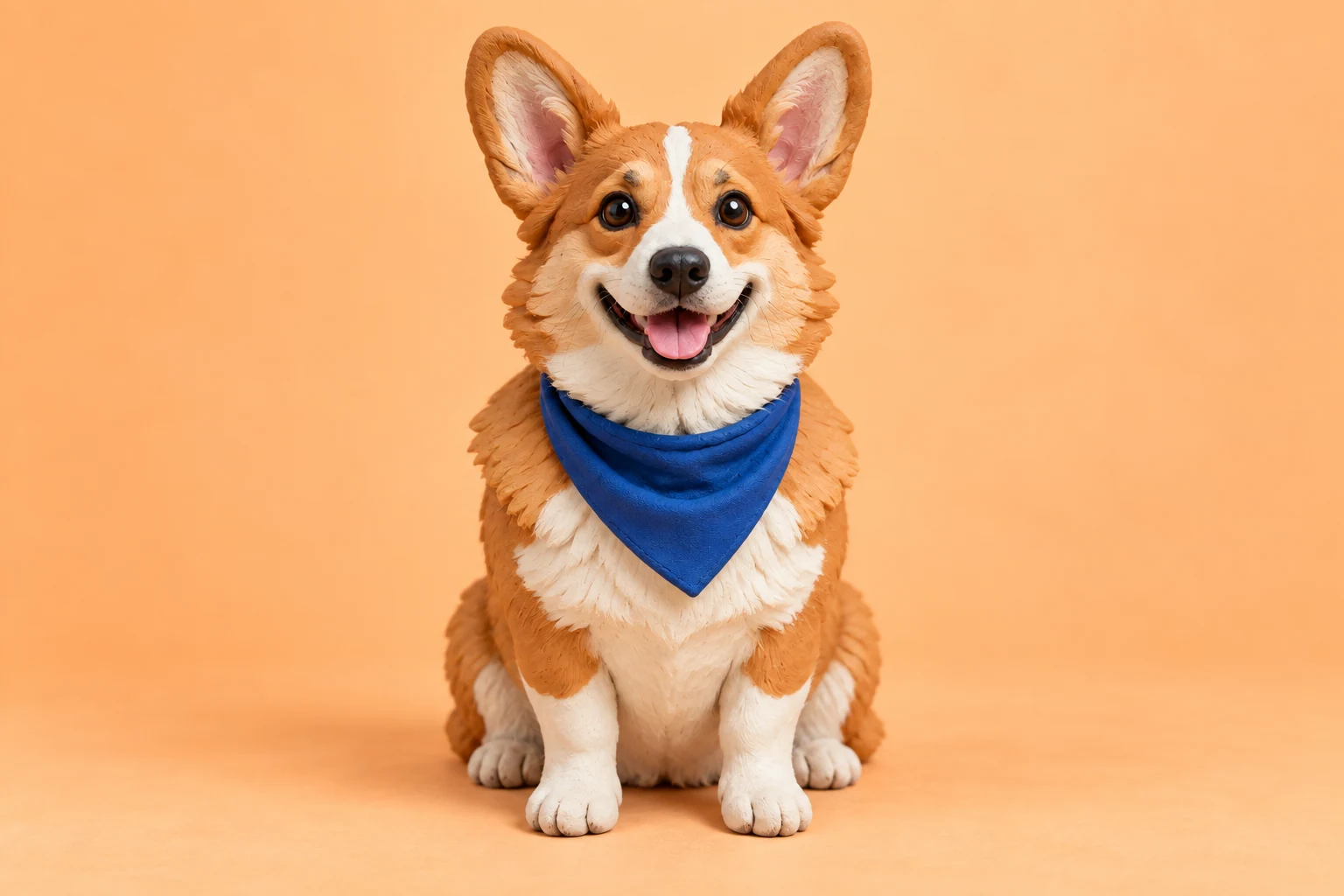
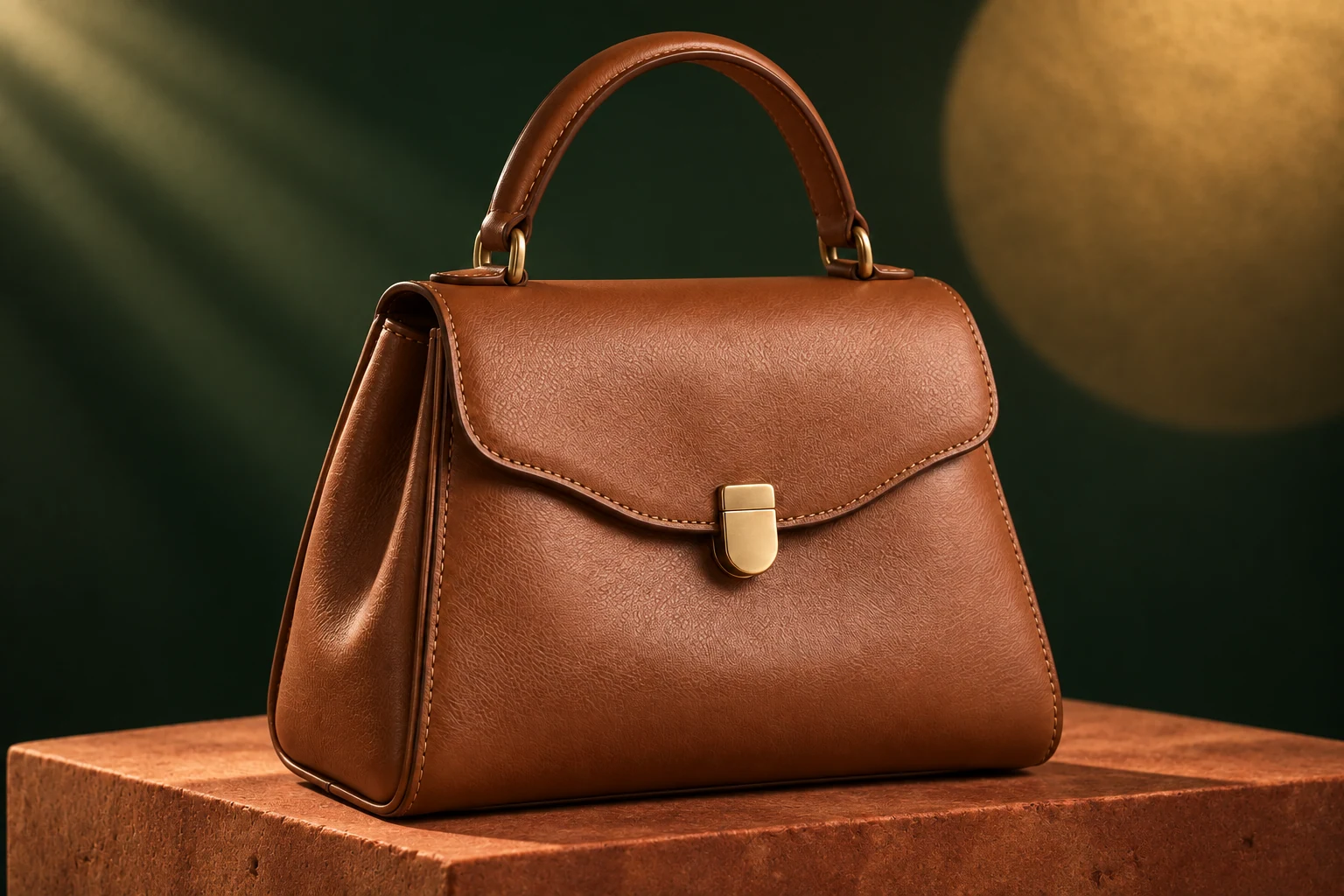
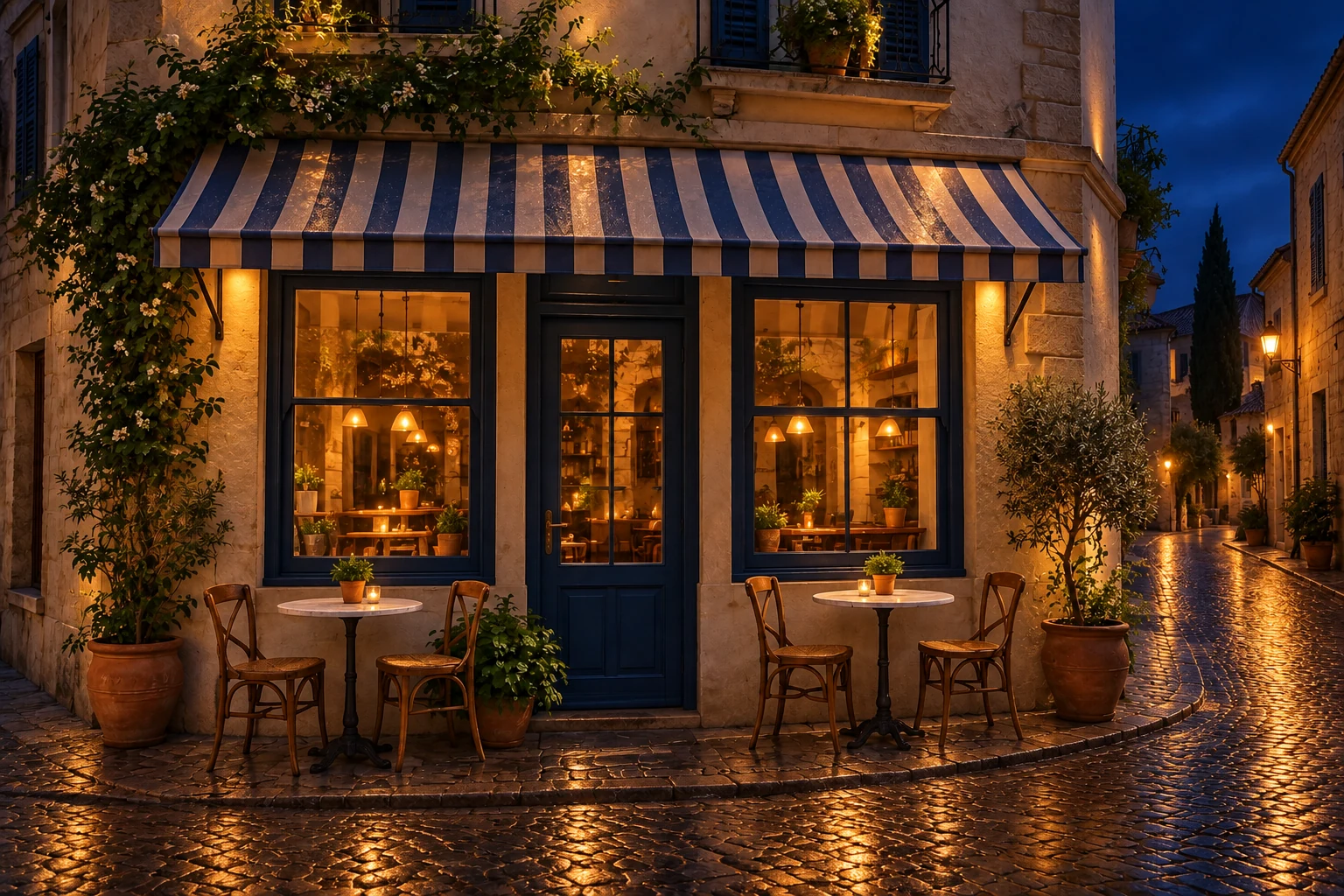
What you control
Shape the appearance of your still
Use this page to change a still or to continue an image from a finished result. Send a still into motion from the image-to-video action, which opens AI Video on this site.
A new composition or a focused image edit
Use a fresh prompt to explore the whole picture, or begin from a reference when particular details should carry through. The AI Image workspace supports these different tasks through the input modes offered by its models.
Create a still with a defined visual purpose
Develop a portrait, product concept, or setting from a written brief.
A new AI image can give a character an appearance, establish the mood of a scene, or explore how a product might be presented. Choose one purpose before writing the prompt. Describe the focal subject and its placement first, then add the materials, background, and lighting that make the picture useful for that purpose.
Frame for the intended use
A portrait reference benefits from a readable face and outfit; a background image may need open space around its main feature. Select a supported aspect ratio that suits the destination. Check important details near the edges, where a later crop could remove them.
Compare image variations
Keep a promising still before generating another direction. Compare composition, color, and subject accuracy separately so you can identify what needs to change. An attractive alternative may solve a different visual problem from the one you originally set out to address.
Refine an existing image for the next step
Request a specific visual change while naming the details to retain.
Reference editing is useful when the subject is established but the presentation needs work. Request a different backdrop, adjust the atmosphere, or explore a clothing direction, while naming the visible features that should remain. The AI image model can reinterpret other details too, so compare the edited result with the uploaded photo before keeping it.
Review beyond the requested change
Inspect the boundary between the subject and its new surroundings, including hair, straps, hands, and shadows. Check that an edit to the background has not changed a product shape or facial detail that matters. Save the result only after reviewing the whole still.
Continue into another creative tool
Use the image-to-video action on a completed image when you want motion from that composition. For the fixed Burning Bridges performance, download a suitable portrait and upload it as the lead photo on the homepage. Each new request has its own settings and credit estimate.