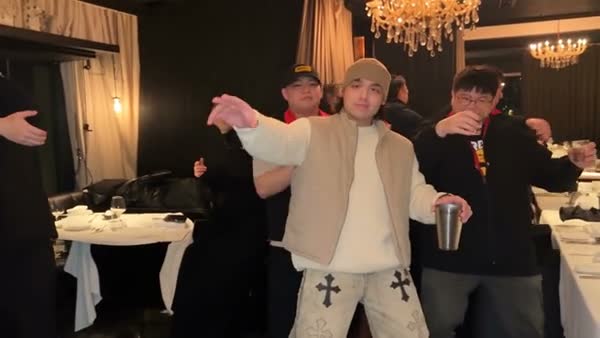
Hotel Lobby AI
A character introduction
Use the AI Rap Video Generator to place an original or licensed character into an entrance or solo performance. Review identity and clothing throughout.
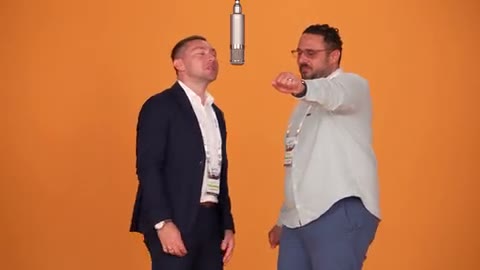
Use the AI Rap Video Generator to build visual rap-style performances with your own reference or nine previewable templates.
Creations from this workspace appear here.
AI Rap Video Generator · Cast the performance.
The AI Rap Video Generator casts one or more photos into a reference-led visual performance. Choose one of nine solo, duo, crowd, or car-scene templates, or upload your own compatible motion clip. This workspace controls video movement and styling; it does not write lyrics, clone voices, or create a custom song.
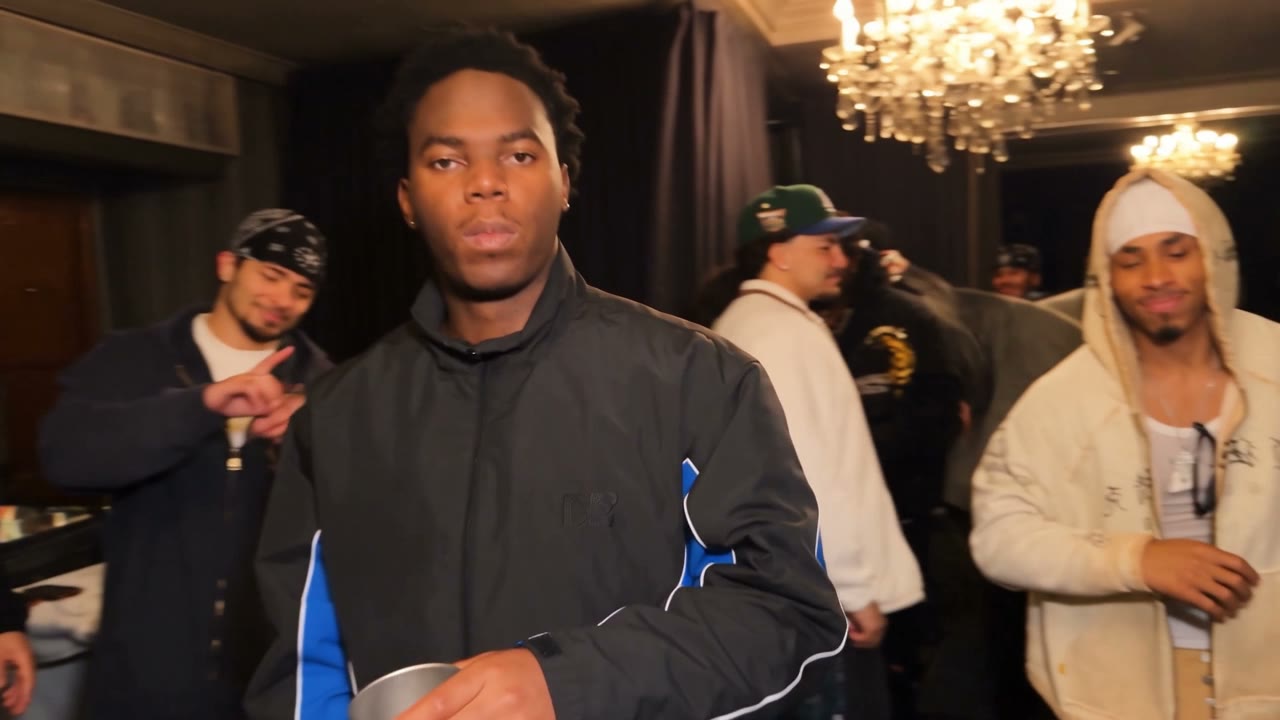
AI Rap Video Generator · From reference to result
The AI Rap Video Generator previews solo, duo, crowd, and car performances. Fixed-cast templates open dedicated pages with photo and audio settings; other templates prepare this form.
Start the AI Rap Video Generator with a template or compatible reference clip. Compare cast size, camera distance, and energy before adding photos.
Give the AI Rap Video Generator clear individual images for each accepted reference. Keep faces, hair, clothing, and moving body areas visible.
Before the AI Rap Video Generator submits, review every reference, editable field, and the current estimate. Inspect the full output with sound in My creations.
AI Rap Video Generator · Choose a readable reference
Cast size and camera style make the biggest visible difference.
Use the AI Rap Video Generator with a solo reference when one identity should stay central. A clear portrait and outfit help through gestures and camera movement.
Give the AI Rap Video Generator separate photos for two distinct positions. Follow the displayed role order so the duo mapping remains understandable.
The AI Rap Video Generator can use a wider or cinematic reference for visual scale. More people and faster edits increase the details that need review.
AI Rap Video Generator · Made for short, reviewable clips
The tool supports visual casting and motion transfer for short clips.
Hotel Lobby AI
Use the AI Rap Video Generator to place an original or licensed character into an entrance or solo performance. Review identity and clothing throughout.
Migos Carpool AI
Use the AI Rap Video Generator with approved duo photos in the displayed order. Label the output clearly and avoid implying a real statement by either person.
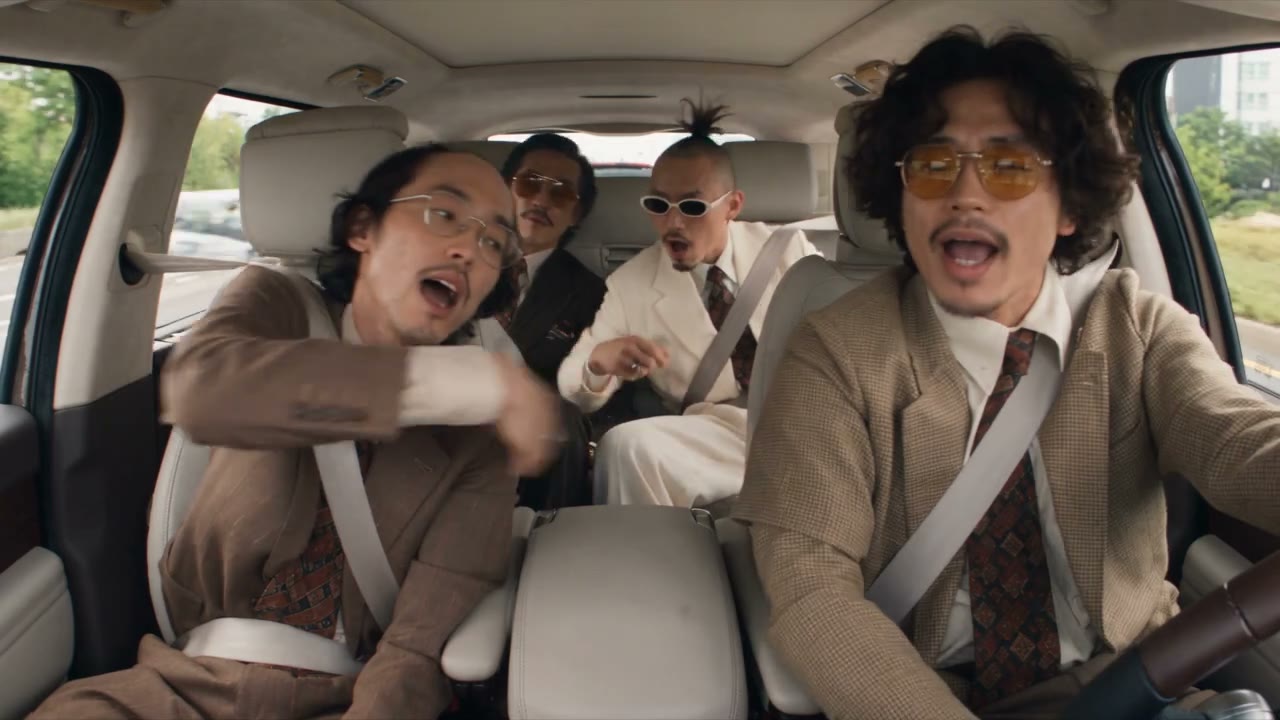
Old Town Road AI Video
Use the AI Rap Video Generator to test camera, crowd, and stage treatments. Add final captions, music edits, and publishing details in tools you control.
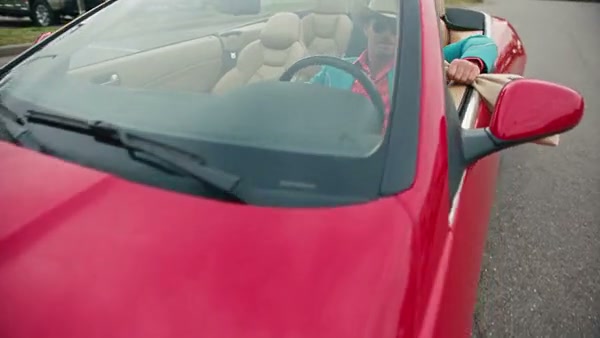
AI Rap Video Generator · Prepare the source media
Use clear media that matches the scale of the selected motion.
Choose sharp, evenly lit photos with enough body detail for the reference. Avoid tiny distant subjects and heavy obstruction.
When multiple images are accepted, use one subject per file and follow the displayed order. This makes the intended cast mapping easier to evaluate.
Use photos, reference clips, characters, and music you are allowed to process and share. Generation does not grant rights to the source material.
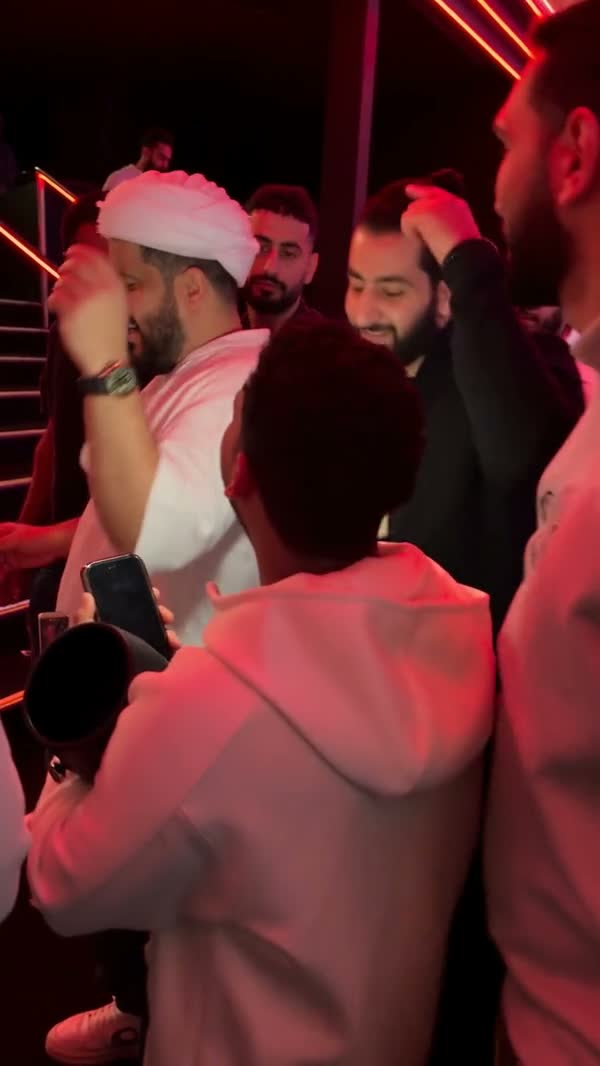
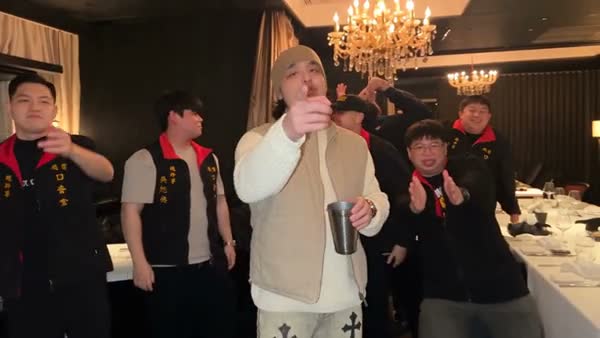
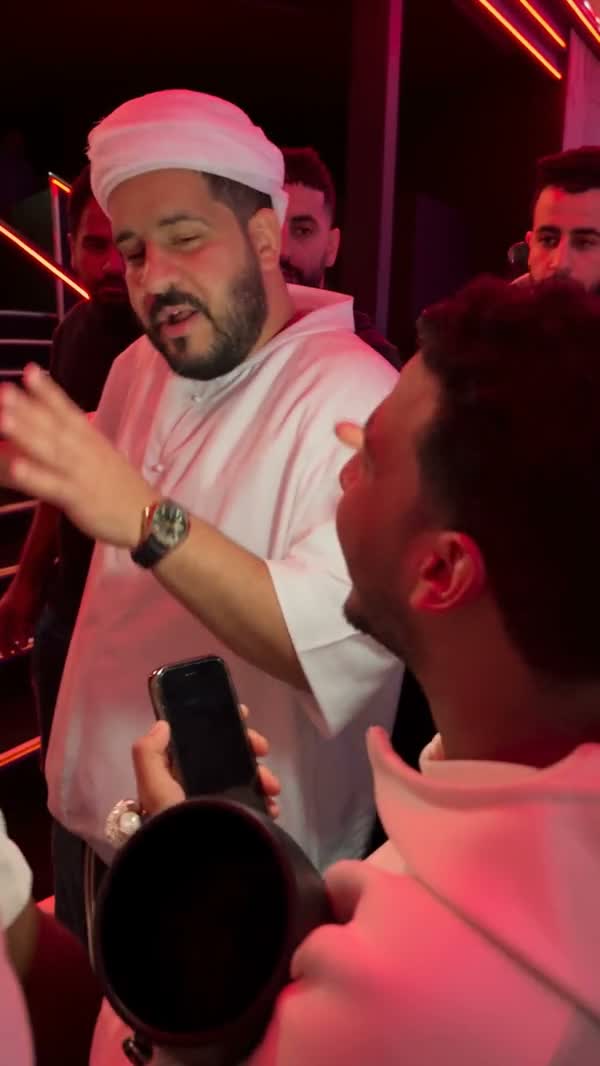
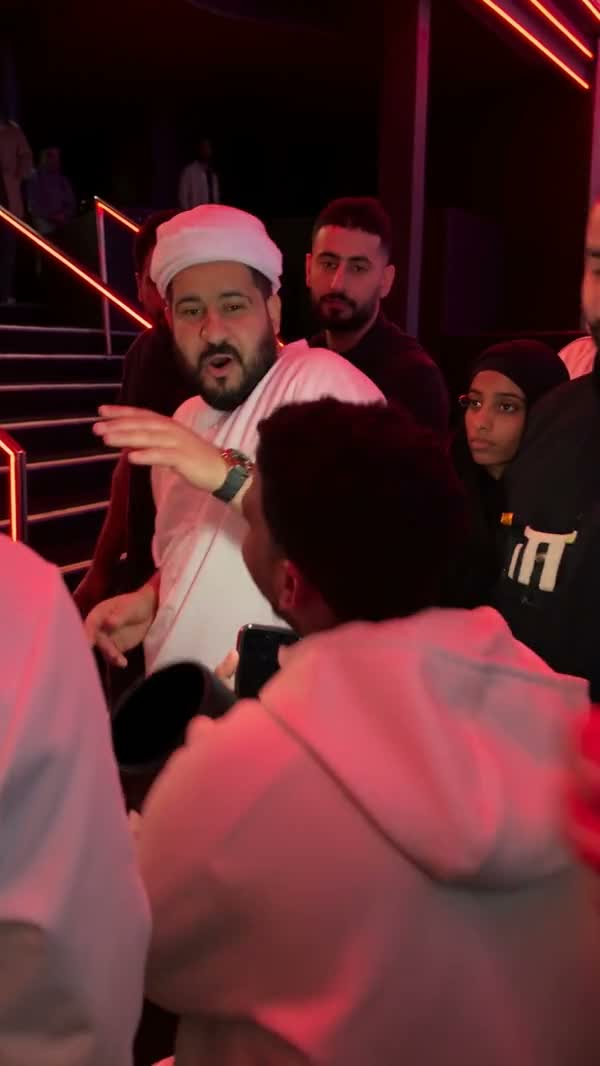
AI Rap Video Generator · Review the complete result
The current workspace generates video from motion and image references.
There is no lyric-writing, custom vocal, or voice-cloning control in this workflow.
Mouth movement follows the generated visual task and can vary from the source performance. Review every spoken or sung-looking moment.
Background identities, hands, clothing, and spatial consistency can change in busy scenes and fast camera moves.
Find answers about AI Rap Video Generator templates, audio, prompts, and credits.
No. It creates a visual performance from photos and reference motion. Write and clear any lyrics or music in a separate workflow.
Yes, when it meets the selected model’s media and duration requirements. You can also start from a template in the right panel.
Yes. The AI Rap Video Generator includes all nine currently published rap templates. Dance, Pet, and Performance templates remain available on their own collection pages.
Choose a model or template that accepts multiple image references, then use separate authorized photos and follow the displayed order.
No. Browsing and preparing templates do not submit generation. Review the displayed estimate before choosing Generate.
The current category workspace has no song-upload or voice-cloning control. Sound behavior follows the selected model and prepared template.
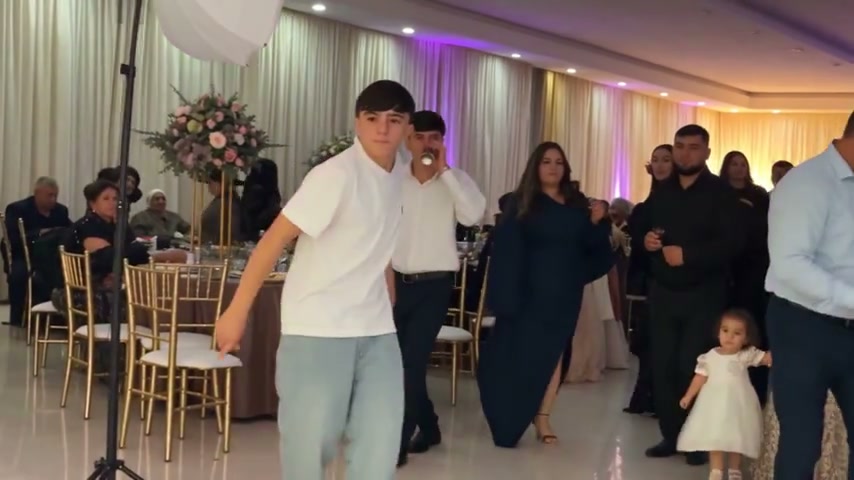
Use the AI Dance Generator to turn photos into dance videos with your own motion reference or 50 previewable templates.
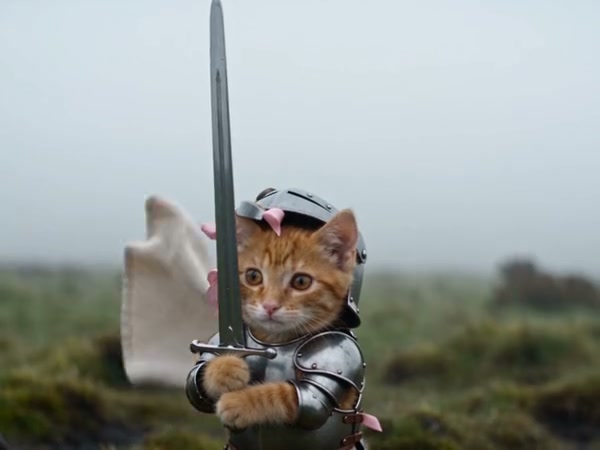
Use the AI Pet Video Generator to animate pet photos with your own motion reference or 14 previewable templates.
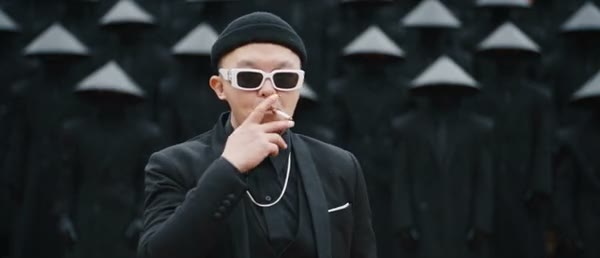
Use AI Performance Video Templates to browse 41 references or upload your own motion and subject photos in the same workspace.
Open the AI Rap Video Generator, compare performance and camera styles, then add authorized subject photos and confirm the settings.
Open rap workspace