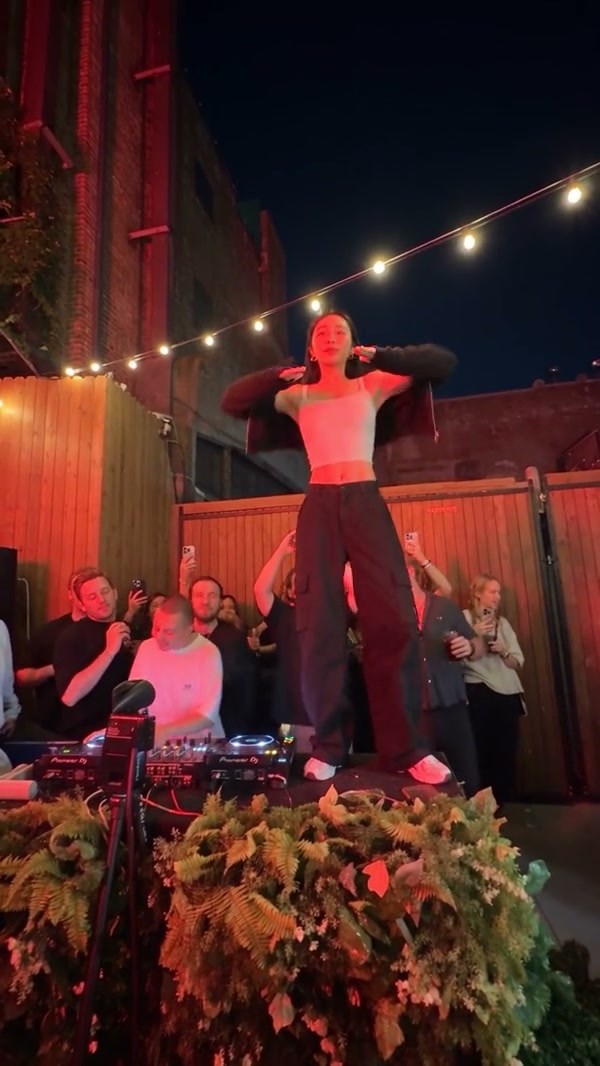
APT AI Video
A playful social post
Use the AI Dance Generator with an approved photo and motion that fit the post. Add captions or platform-specific edits after downloading the reviewed clip.
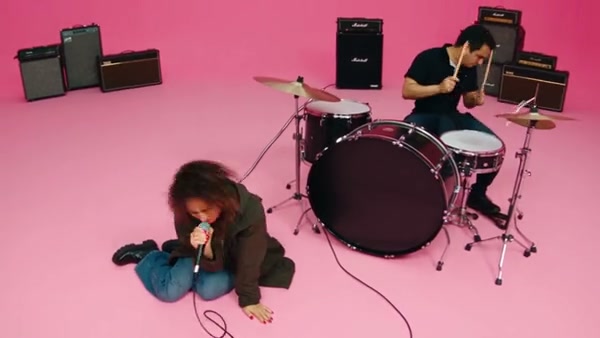
Use the AI Dance Generator to turn photos into dance videos with your own motion reference or 50 previewable templates.
Creations from this workspace appear here.
AI Dance Generator · Your subject. Your motion.
The AI Dance Generator maps movement from a reference video onto one or more subject photos. Upload your own motion or choose one of 50 previewable templates. Fixed-cast templates open dedicated pages with their photo requirements and original audio. Replace sample media, check the credit estimate, and review the finished clip before sharing.
AI Dance Generator · From reference to result
The AI Dance Generator lets you preview every reference. Fixed-cast dances open their dedicated pages with required photo slots; other templates prepare this form. Generation starts only when you choose Generate.
Start the AI Dance Generator with a template on the right or your own reference video on the left. Pick motion whose framing and subject count fit your photo.
Add clear individual photos to the AI Dance Generator with the face, outfit, and moving body parts visible. Replace template samples with subjects you may animate.
Before the AI Dance Generator submits, review the model, duration, resolution, sound, prompt, and credit estimate. Inspect faces, hands, feet, clothing, and timing in My creations.
AI Dance Generator · Choose a readable reference
The source motion has the strongest effect on choreography and camera behavior.
Use the AI Dance Generator with one readable lead when you have one strong photo. Wide dances benefit from a photo that includes the complete pose and outfit.
Give the AI Dance Generator separate photos when a template needs multiple subjects. Keep each person unobstructed and follow the displayed left, right, lead, and supporting order.
The AI Dance Generator can cast supported pets or characters into dance motion. Review paws, legs, body proportions, coat markings, and accessories after upright choreography.
AI Dance Generator · Made for short, reviewable clips
The workflow works best for short, reviewable performance clips.
APT AI Video
Use the AI Dance Generator with an approved photo and motion that fit the post. Add captions or platform-specific edits after downloading the reviewed clip.
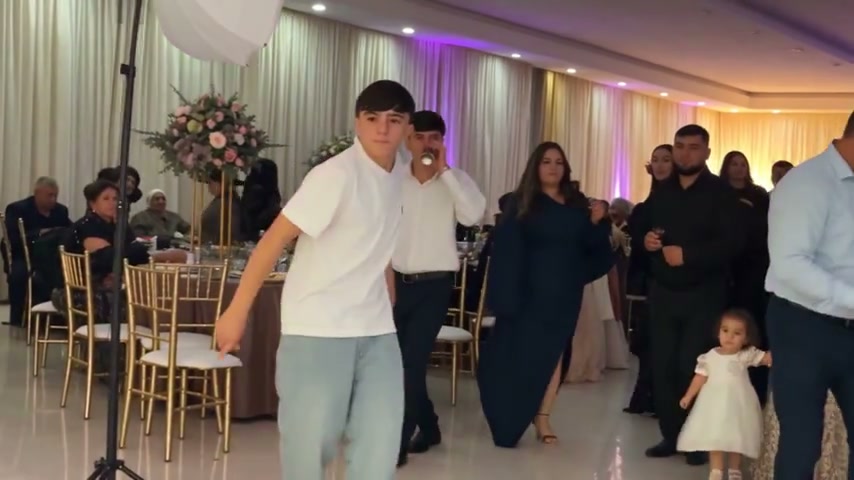
24K Magic AI Dance
Use the AI Dance Generator with a duo or group template for people who agreed to participate. Keep references separate and label the generated scene accurately.
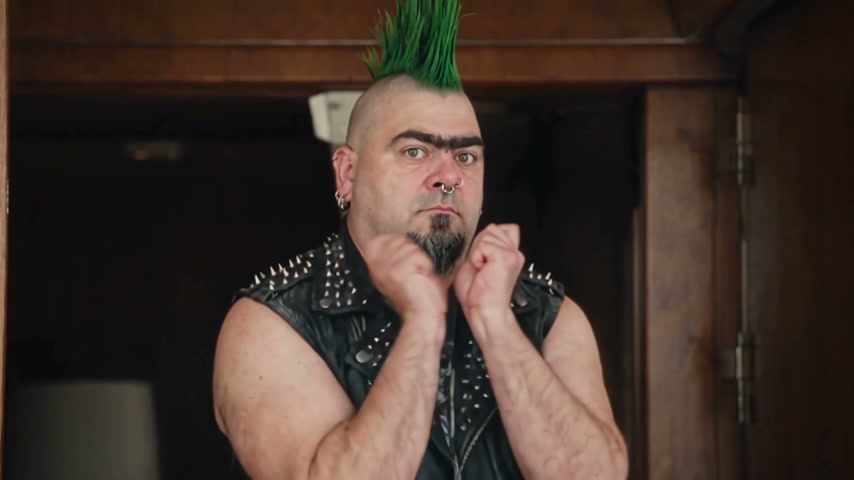
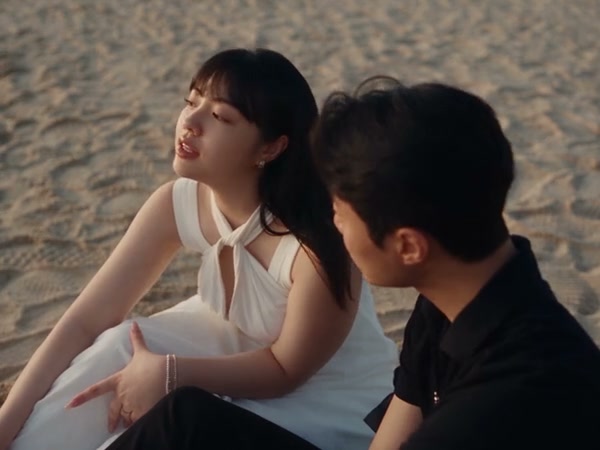
Seaside couple dance preview
Use the AI Dance Generator to compare a licensed or original character across motion styles. Review clothing, proportions, identity, and each new visual interpretation.
AI Dance Generator · Prepare the source media
Clear source media gives the model a more legible transfer task.
Include the face and every body area that matters to the reference. Avoid crops through hands, elbows, knees, or feet when the choreography uses them.
Choose a clip with readable motion, consistent framing, and a duration accepted by the selected model. Trim or switch models when the workspace reports a duration conflict.
Upload photos and videos you own or have permission to use. Get consent from recognizable people and make your own assessment of music, character, and commercial rights.
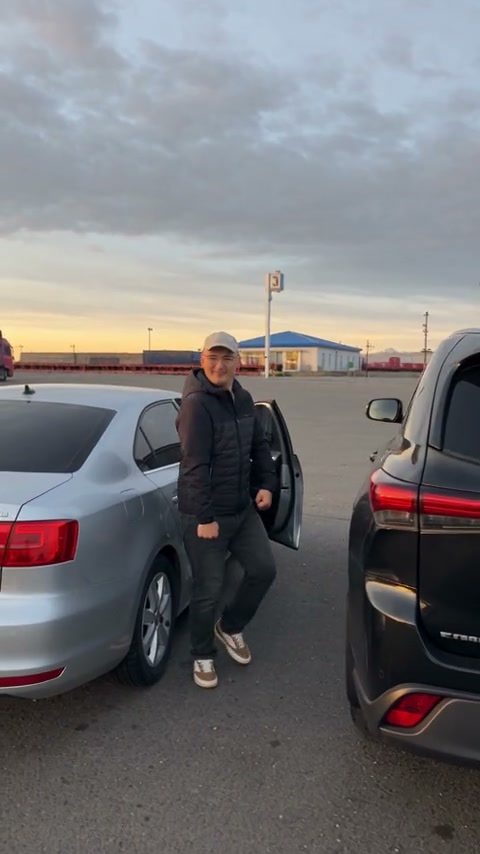
AI Dance Generator · Review the complete result
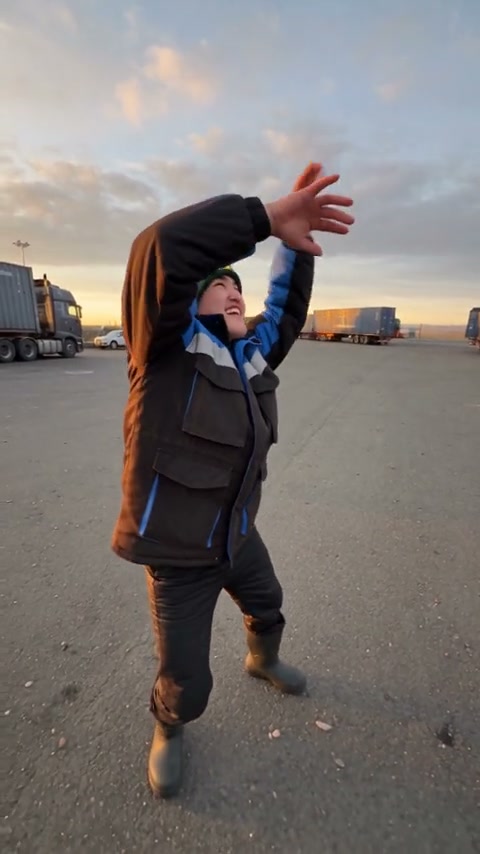
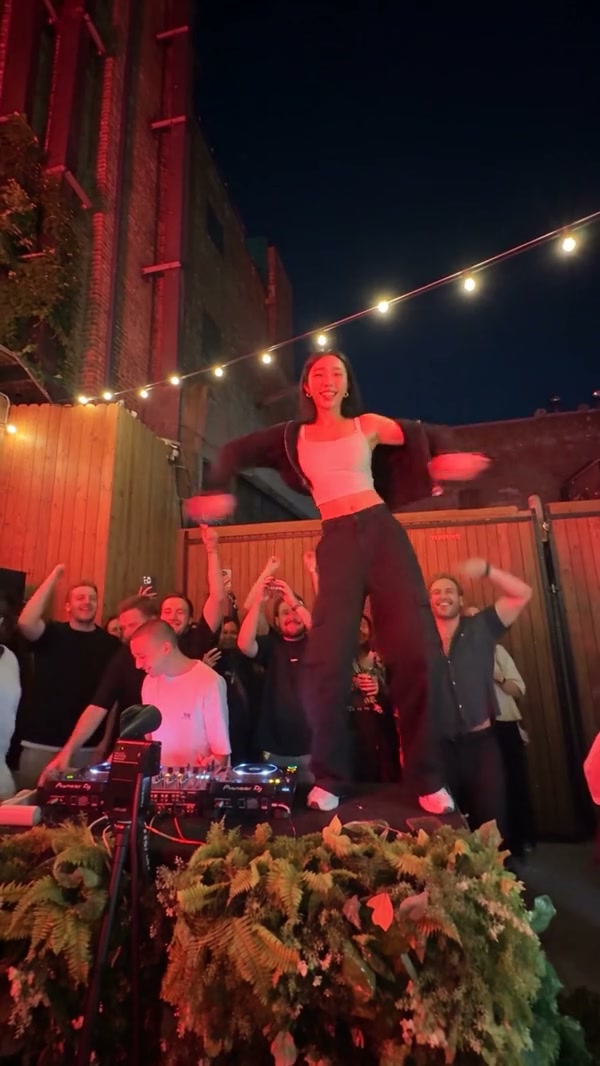
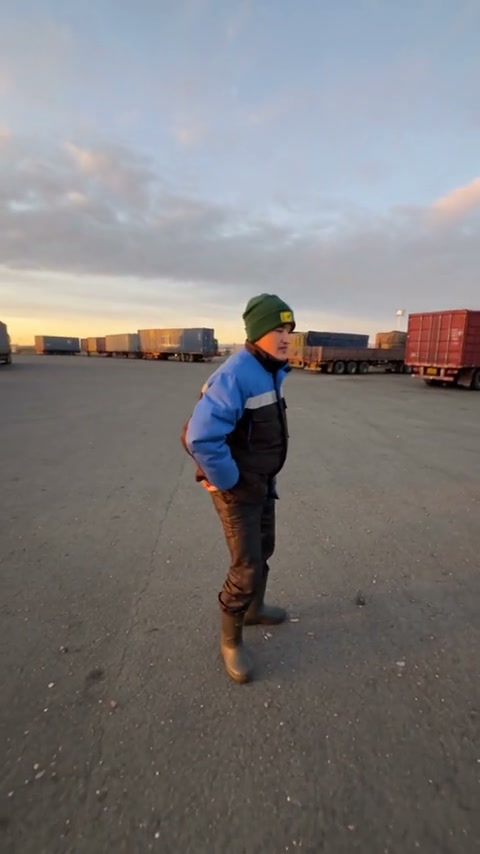
Motion transfer keeps the reference task clear while generated details can vary.
Faces, hair, clothing, limbs, and accessories may change between frames. More complex movement and more visible subjects increase the number of details to inspect.
Sound behavior depends on the model and template. Review the delivered file with sound and confirm you have the rights needed for the way you plan to publish it.
Community templates prepare a known reference, example images, prompt, and settings. Replace the sample subjects and confirm every field before spending credits.
Find answers about AI Dance Generator templates, uploads, credits, sound, and results.
Yes. Use the video input on the left to provide a compatible reference clip, then add the subject photos and review the prompt and settings. You can also choose a template on the right to prepare a reference for you.
Yes. The AI Dance Generator includes all 50 currently published dance templates. Fixed-cast templates open their dedicated pages; the remaining templates can be applied here.
No. Previewing, browsing, and applying a template do not submit a generation. The form shows the current estimate before you choose Generate.
The accepted count depends on the selected model and prepared template. The form validates the current media set and explains conflicts before submission.
The category workspace provides an editable prompt when the selected model supports one. Choosing a template prepares its published prompt so you can review the complete request in one place.
Open My creations in the right panel to follow pending work and view available results. Signed-in users can also open the video history from the workspace.
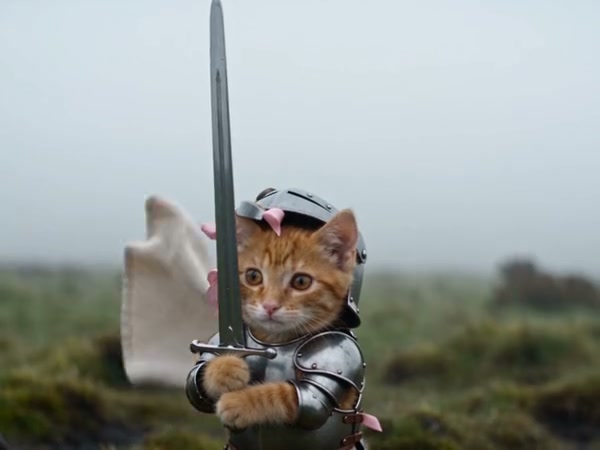
Use the AI Pet Video Generator to animate pet photos with your own motion reference or 14 previewable templates.
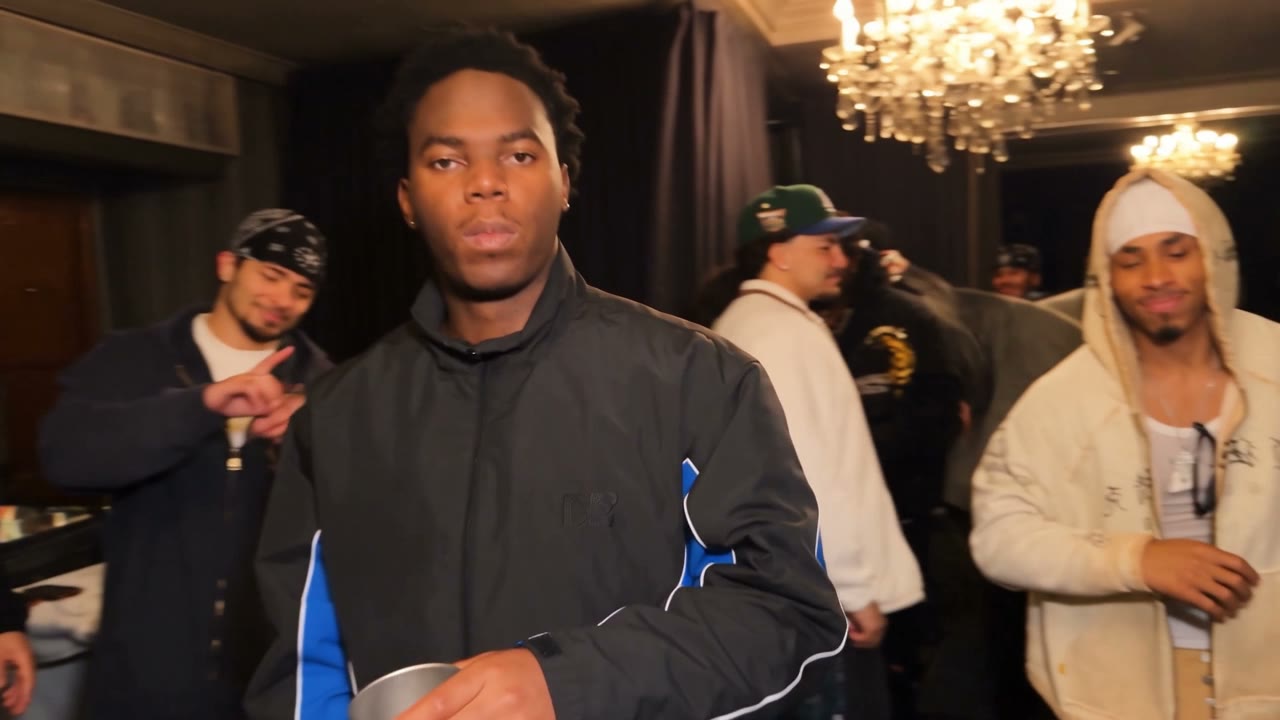
Use the AI Rap Video Generator to build visual rap-style performances with your own reference or nine previewable templates.
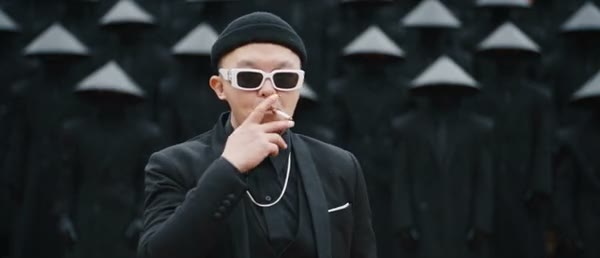
Use AI Performance Video Templates to browse 41 references or upload your own motion and subject photos in the same workspace.
Open the AI Dance Generator, choose a dance reference on the right, or prepare your own motion and subject media on the left.
Open dance workspace