Cinematic character performance
A solo concept
Use AI Performance Video Templates to test one clear identity across scenes. Compare how the face, clothing, and body hold up through each movement style.
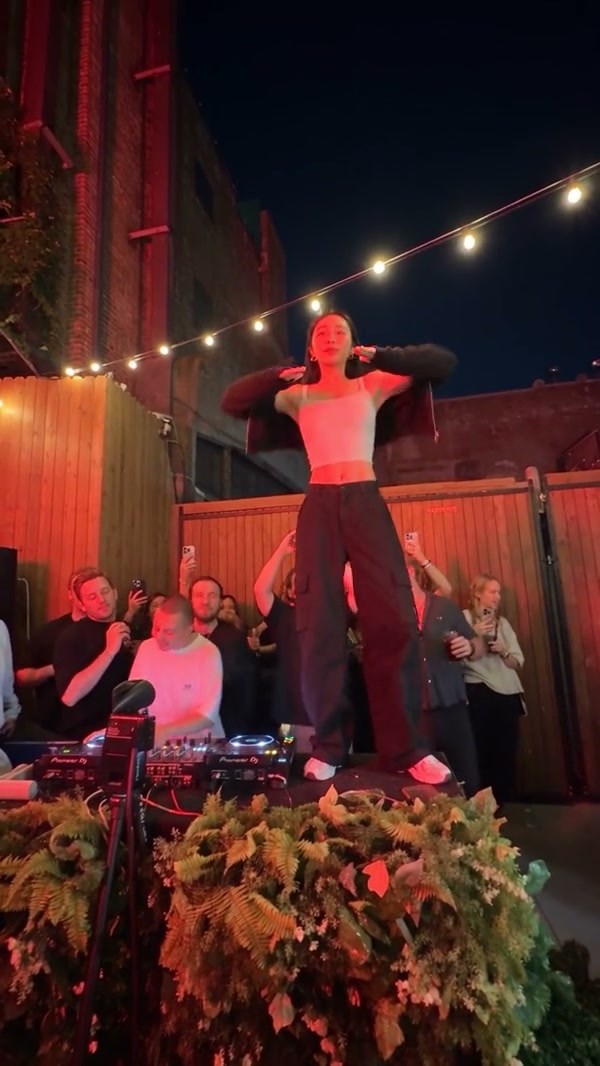
Use AI Performance Video Templates to browse 41 references or upload your own motion and subject photos in the same workspace.
Creations from this workspace appear here.
AI Performance Video Templates · One library. Many scenes.
AI Performance Video Templates let you compare movement, framing, camera timing, and scene energy before generating. Choose from 41 stage, dance, duo, crowd, music, and character-led references, or upload your own motion. Fixed-cast references open dedicated pages. Replace sample media and review the photo requirements, settings, and credit estimate before submission.
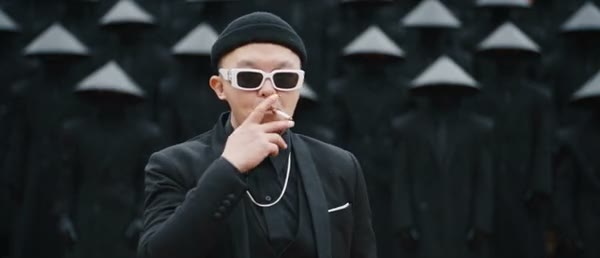
AI Performance Video Templates · From reference to result
AI Performance Video Templates preview stage, crowd, duo, and character-led motion. Fixed-cast templates open dedicated pages with required photo slots; other templates prepare this form.
Start with AI Performance Video Templates to preview a card before applying it, or skip the collection and upload your own reference video.
In AI Performance Video Templates, replace samples with clear, authorized photos. Use separate files for separate subjects and match the crop to visible movement.
Before generating with AI Performance Video Templates, confirm the model, prompt, duration, resolution, sound, and credits. Review the complete result in My creations.
AI Performance Video Templates · Choose a readable reference
The best starting template depends on the visible task.
Use AI Performance Video Templates for leads, duos, formations, and scene-based acting. Check how many subject references the selected model accepts.
Filter AI Performance Video Templates by Dance, Pets, Fashion, or Gestures when subject movement matters more than the setting.
Browse AI Performance Video Templates for framing, travel, transitions, or scene scale. Leave enough space around the source subject for wide motion.
AI Performance Video Templates · Made for short, reviewable clips
Templates can help evaluate a visual idea before a larger edit.
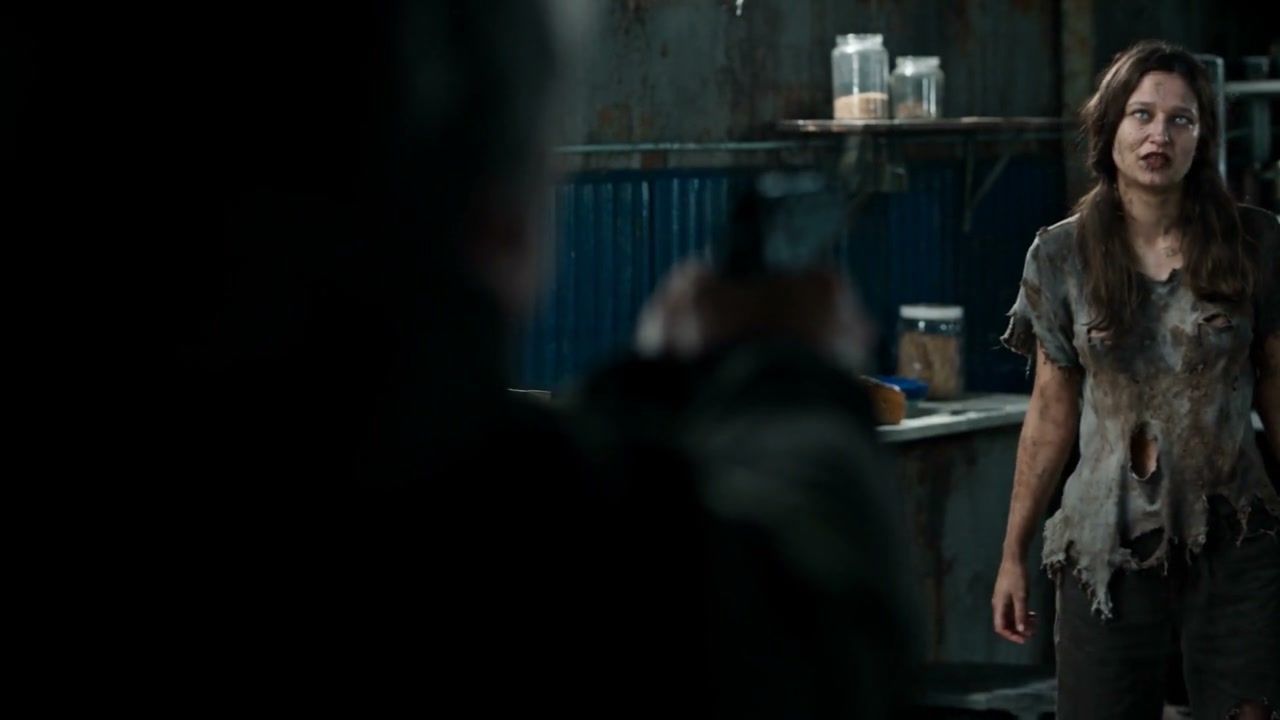
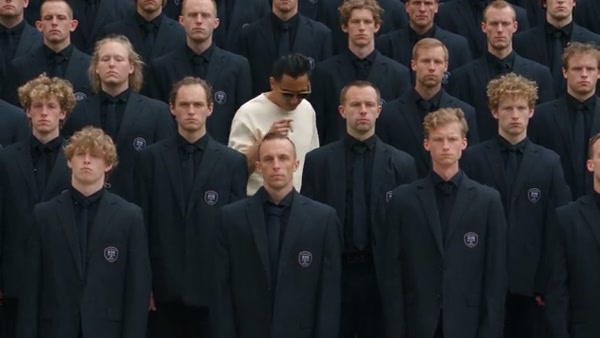
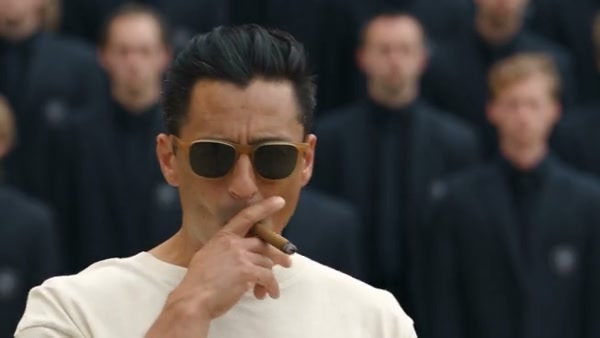
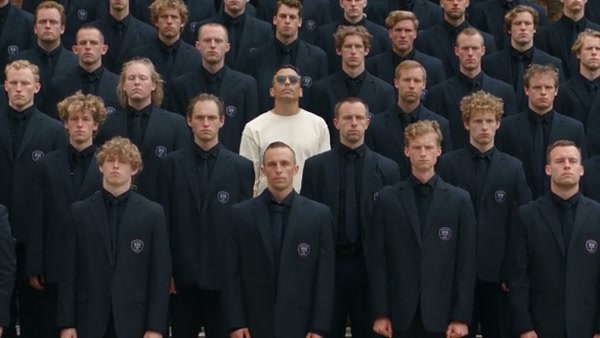
Cinematic character performance
Use AI Performance Video Templates to test one clear identity across scenes. Compare how the face, clothing, and body hold up through each movement style.
Hotel lobby duo performance
With AI Performance Video Templates, use separate approved images and follow role order for multiple subjects. Review each visible person across the complete clip.
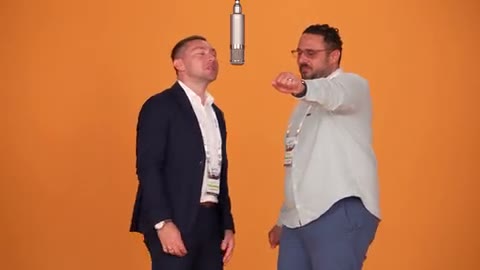
Unforgettable Car camera reveal
Use AI Performance Video Templates to compare orbit, zoom, pursuit, montage, and reveal motion before choosing a treatment for a broader project.
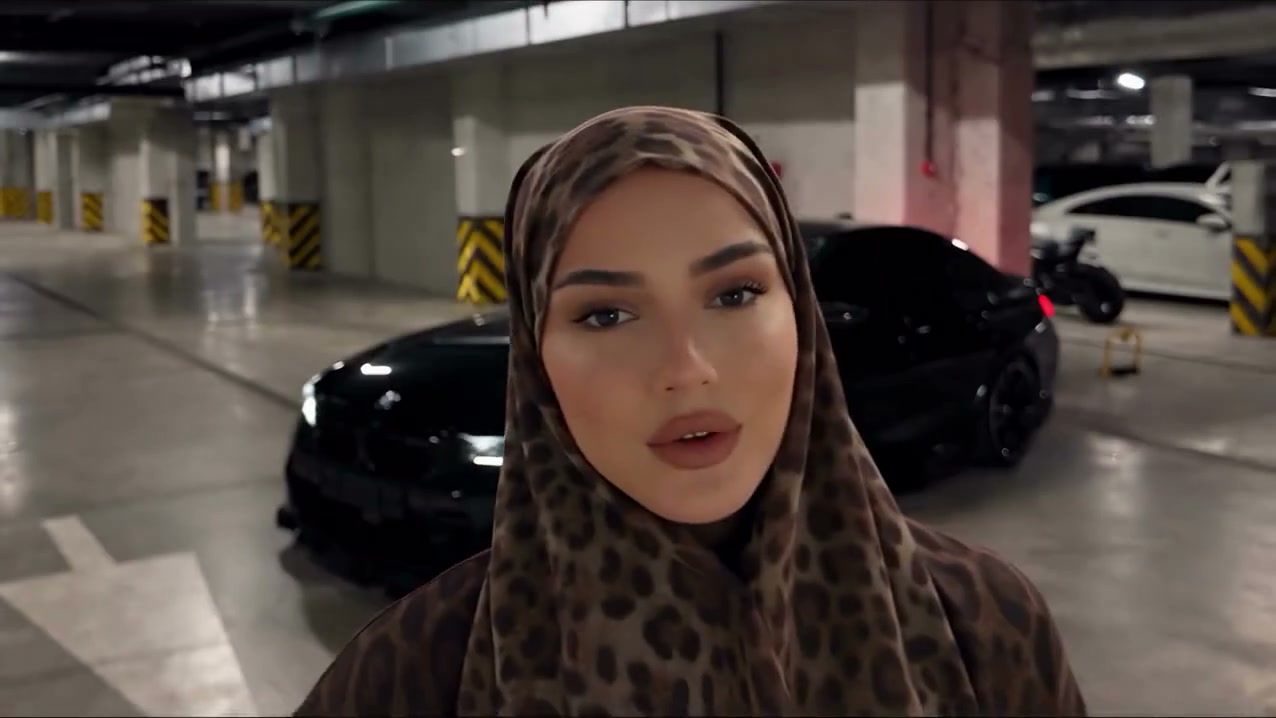
AI Performance Video Templates · Prepare the source media
The selected media and motion should describe one clear task.
Use a full or three-quarter body image for wide movement and a closer image for portrait motion. Keep important limbs and styling visible.
Separate photos make individual identities easier to map and review. Avoid overlapping group images when the setup accepts multiple files.
A template can prepare defaults. Confirm the prompt, duration, resolution, sound, and sample media before submission.
AI Performance Video Templates · Review the complete result
Templates make the reference visible while the output remains generative.
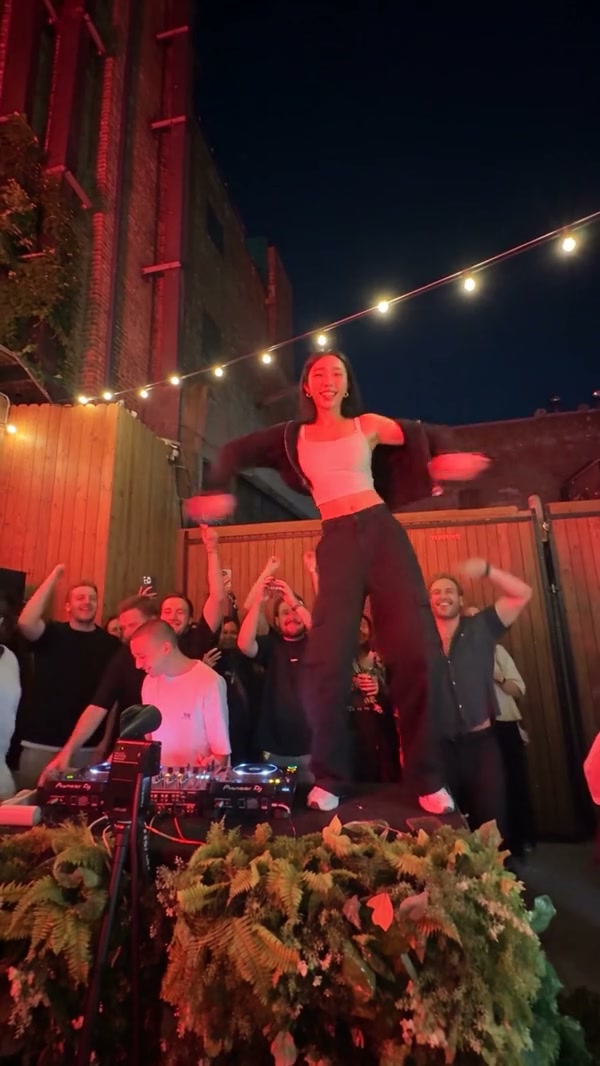
Faces, mouths, hands, instruments, clothing, props, and background people can change between frames.
Crowds, fast edits, occlusion, and large camera moves increase the number of possible inconsistencies.
Each card stays in this workspace and prepares its published reference, prompt, model, and available sample media. Confirm the complete form before generation.
Find answers about AI Performance Video Templates, custom uploads, prepared references, and results.
This page includes all 41 currently published performance templates. The Dance, Pet, and Rap pages expose their matching collections.
Yes. The left form accepts a compatible motion reference and subject images, so using a library template is optional.
No. Every card previews and prepares its reference, prompt, model, and available sample media in the current form.
The selected media, model, prompt, settings, and server validation determine the generation request.
No. Credits apply after a valid request is submitted with Generate. The current estimate is visible in the form.
Switch to My creations in the right panel. It keeps the result stream mounted while you browse templates.
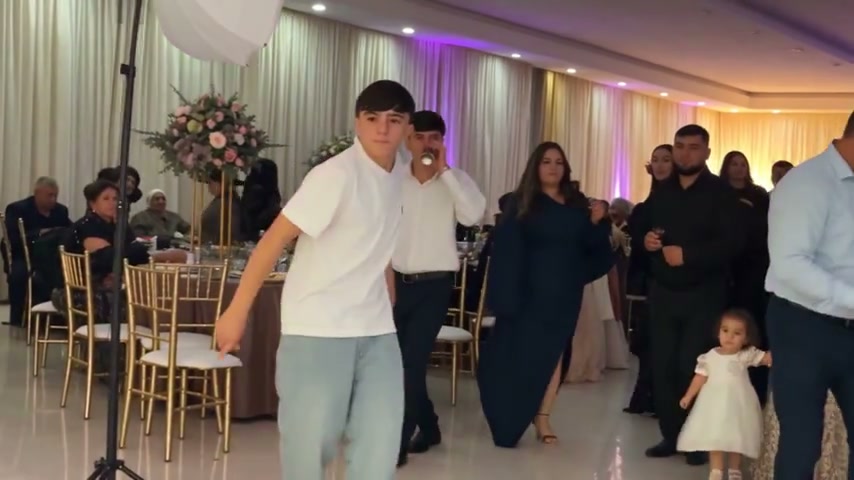
Use the AI Dance Generator to turn photos into dance videos with your own motion reference or 50 previewable templates.
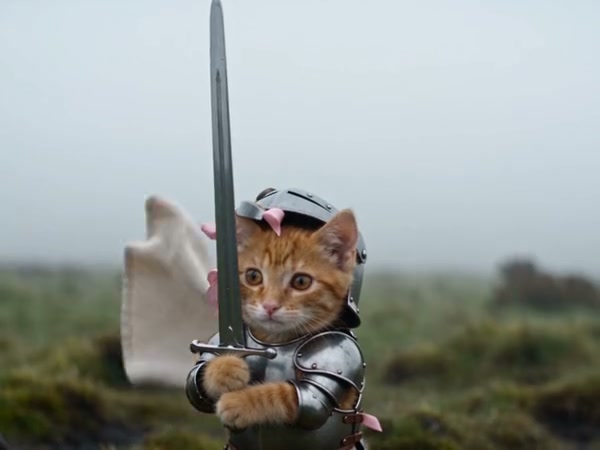
Use the AI Pet Video Generator to animate pet photos with your own motion reference or 14 previewable templates.
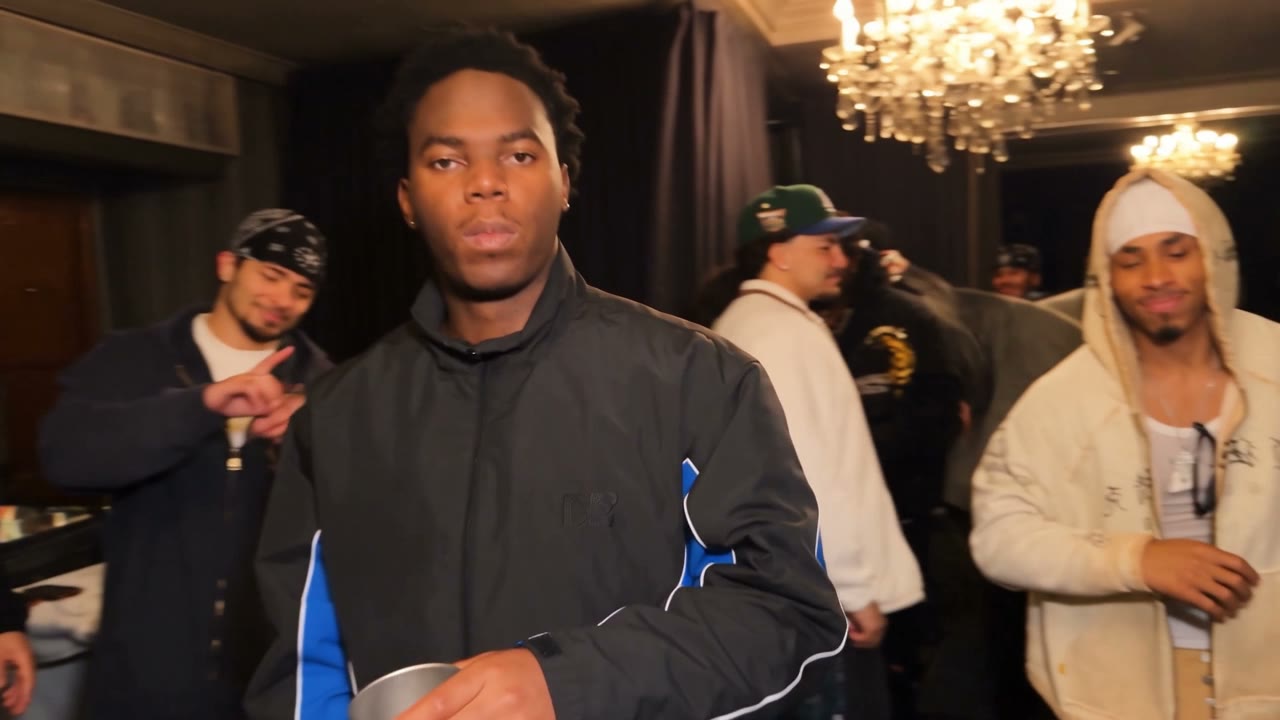
Use the AI Rap Video Generator to build visual rap-style performances with your own reference or nine previewable templates.
Open AI Performance Video Templates, choose a reference, or upload your own motion and subject media on the left.
Open template workspace