What you control
Control how your scene unfolds
Use this page for an open video request. Use the homepage when you want the fixed indoor performance, one lead photo, optional background people, and the original soundtrack.
Two starting points for an AI video
Use text when the setting is still open to exploration. Use a reference image when the appearance is already important to the shot. Both paths end with a playable clip, but the inputs give you different ways to direct it.
Create an original scene from a prompt
Explore a shot without first preparing a reference image.
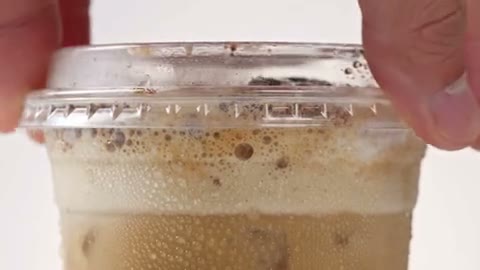
Text-based AI video generation gives you room to describe a place, a subject, and a short event together. A cafe product reveal might specify a warm counter, a cup moving into view, and a steady camera. Select a model that accepts this input mode, then use the prompt to establish the shot rather than depending on an uploaded composition.
Keep the visual priority clear
State what should attract attention first and use the setting to support it. If the product is the focus, excessive background movement can compete with it. When reviewing an AI video variation, check whether the most important event is easy to follow before adding another instruction.
Choose a useful duration
Use the available duration that gives your intended action room to finish. Longer clips can change the estimate and give the model more movement to interpret. Verify the selected length and cost together before you submit the request.
Animate a composition you already like
Use a still to guide appearance and framing as movement begins.
An image-to-video request starts with visible cues for the subject and setting. Describe the change over time: a breeze moving fabric, a character turning, or a camera moving closer. Repeating every detail of the still can obscure that motion instruction. Keep an original copy of the reference so you can compare its appearance with the generated frames.
Check continuity across the clip
Look for clothing patterns, facial features, and product shapes changing as the viewpoint shifts. Review the middle and final frames as well as the opening. The AI video may introduce details that the still does not show, particularly during turns or wider camera moves.
Recover the existing video request
If the result is delayed or the submission response is unclear, check My creations for its current status. Read any failure message before retrying. Confirm whether a clip already exists before starting another request, so an uncertain submission does not become an unintended extra generation.