
From photo to performance
AI trend tutorials
Learn each Burning Bridges AI trend with practical photo advice, role maps, illustrated examples, and a checklist for your finished video.
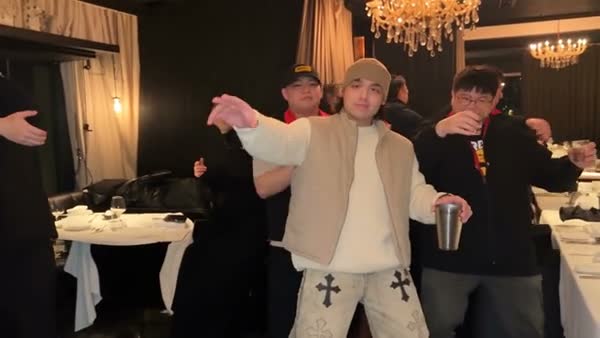
Burning Bridges AI Tutorial: Plan Your Cast and Make a Video
Plan your Burning Bridges AI cast, choose a useful lead photo, add optional background people, and check faces, hands, and sound before downloading.
Read tutorial ↗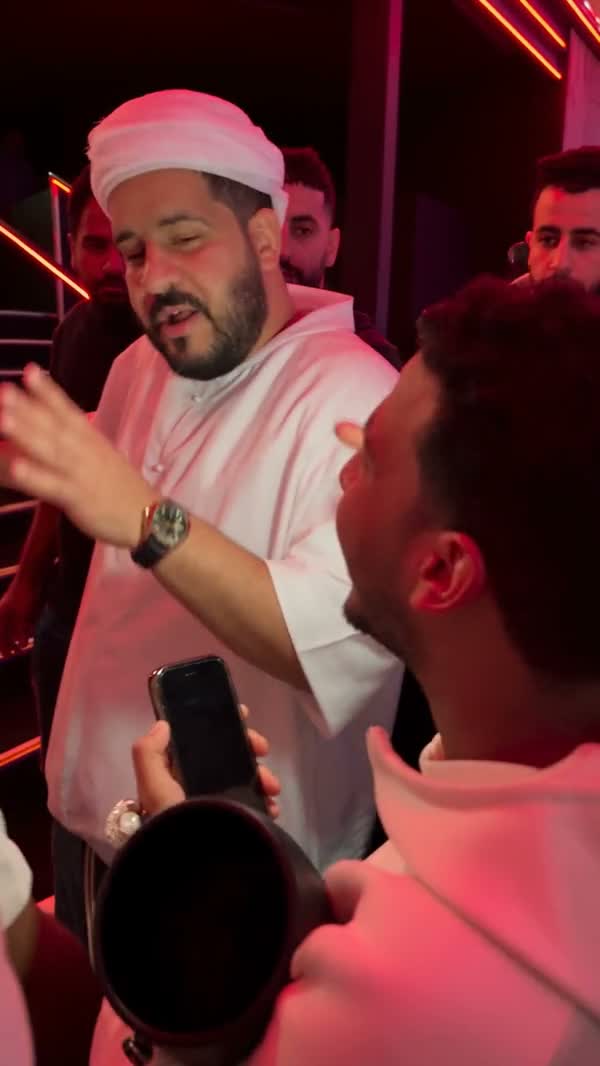
Bulin 47 AI Tutorial: Choose the Right Performer Photo
Create a Bulin 47 AI performance with one portrait. Identify the correct lead, prepare the outfit, and check likeness through the crowded scene.
Read tutorial ↗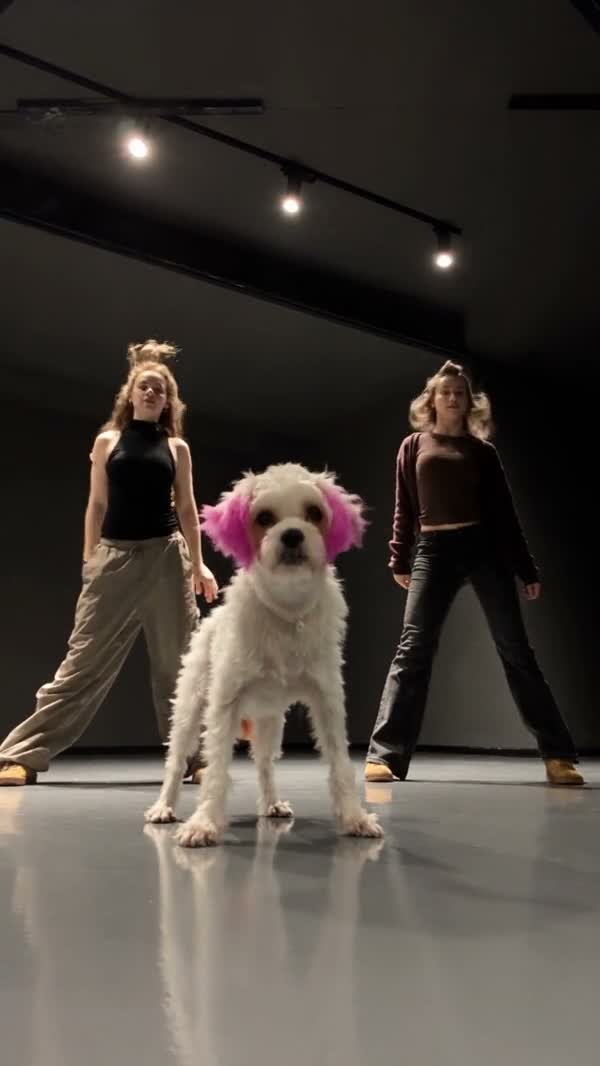
Single Ladies Dog AI Tutorial: Get Your Dog Ready to Dance
Follow the Single Ladies Dog AI tutorial: choose a readable dog photo, use the prepared dance, and check coat markings, paws, and movement in your result.
Read tutorial ↗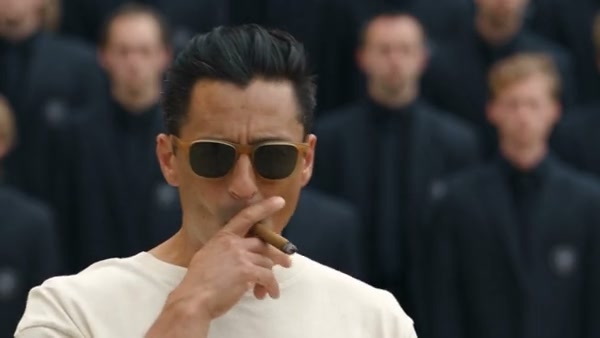
STORM II AI Tutorial: Set Up the Lead and the Crowd
Learn the STORM II AI two-photo workflow: separate the lead from the crowd, prepare readable references, and inspect the synchronized bow in your video.
Read tutorial ↗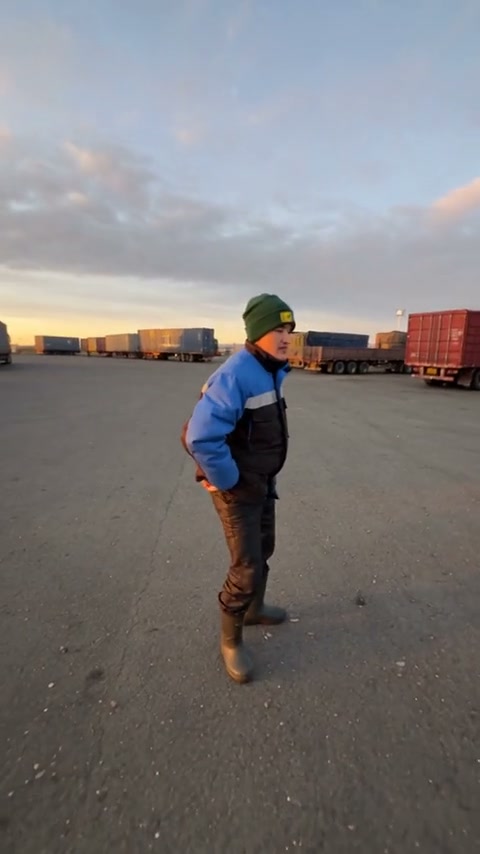
Gas Station Dance AI Tutorial: Match All Three Photo Roles
Follow the Gas Station Dance AI tutorial to assign the opening dancer, selfie operator, and car-side performer, then check identity through the camera turns.
Read tutorial ↗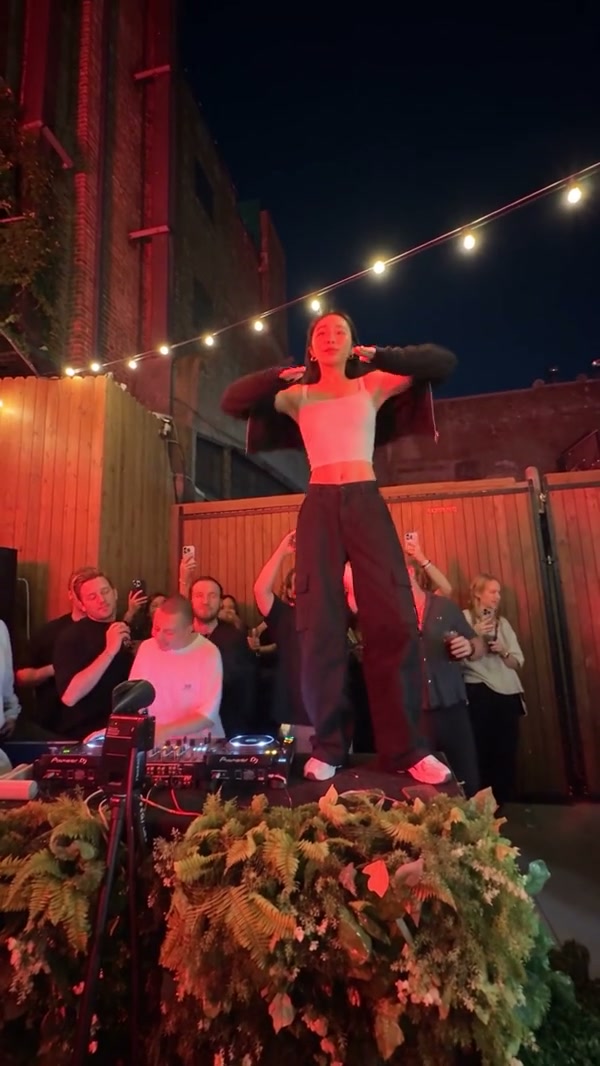
Cheba Man AI Tutorial: Prepare a Photo for the Central Dancer
Use this Cheba Man AI tutorial to choose a clear character photo, follow the prepared group-dance scene, and review hands, clothing, and footwork before downloading.
Read tutorial ↗