
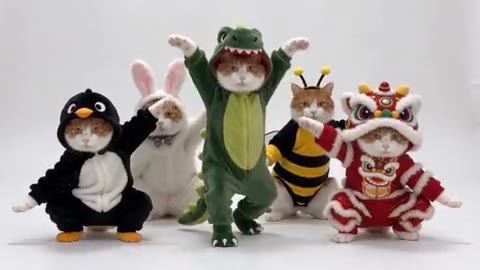
Costume cat dance landscape example
A familiar dance
Use the AI Pet Video Generator with a pet-compatible dance and a clear photo. Review coat markings and facial features through the complete movement.
Use the AI Pet Video Generator to animate pet photos with your own motion reference or 14 previewable templates.
Creations from this workspace appear here.
AI Pet Video Generator · Pet photos in motion.
The AI Pet Video Generator transfers motion from a reference clip to a pet photo. Upload your own clip or choose one of 14 templates for dances, reactions, camera moves, and character-led scenes. Use a clear image that shows the face, coat, and body area used by the motion, then review anatomy and markings across the full result.
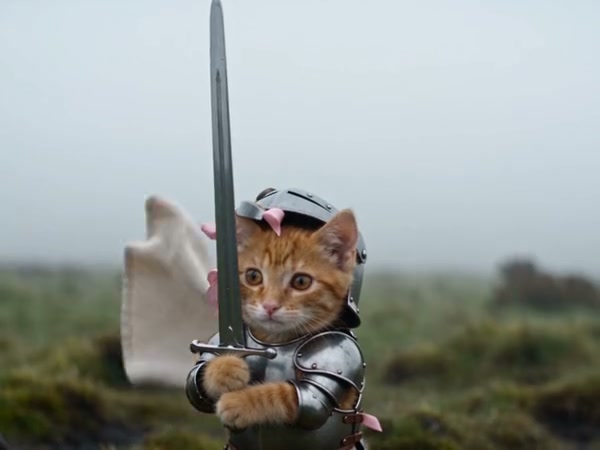
AI Pet Video Generator · From reference to result
The AI Pet Video Generator lets you preview every reference. Fixed-cast templates open dedicated pages with required photo slots; other templates prepare this form. Replace samples with your own pet photos.
Start the AI Pet Video Generator with a pet template or your own reference video. Match its camera distance and body movement to the pet photo.
Give the AI Pet Video Generator one main animal per required image, with visible eyes, face, coat pattern, and relevant body area. Replace template samples.
Before the AI Pet Video Generator submits, check duration, resolution, sound, prompt, and credits. Inspect the face, paws, tail, fur, proportions, and transitions.
AI Pet Video Generator · Choose a readable reference
Framing and anatomy matter more than a broad category label.
Use the AI Pet Video Generator with a front-facing photo for reaction or portrait motion. Readable eyes and muzzle help preserve attention in a tight reference.
Give the AI Pet Video Generator a wider pet photo when the motion raises, turns, or moves the complete body. Review paws, legs, proportions, and balance.
The AI Pet Video Generator needs space around an animal when the camera or subject travels. A clean silhouette helps through zooms, orbits, and scene changes.
AI Pet Video Generator · Made for short, reviewable clips
Short motion clips work well when the pet remains the clear subject.
Costume cat dance landscape example
Use the AI Pet Video Generator with a pet-compatible dance and a clear photo. Review coat markings and facial features through the complete movement.
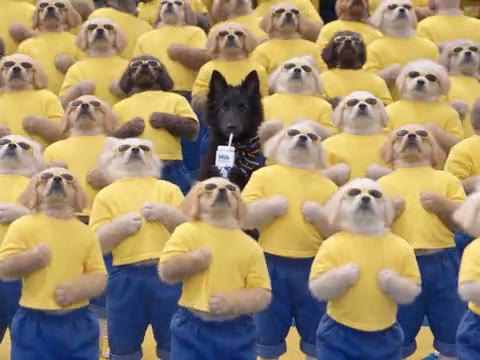
Canine playground landscape example
The AI Pet Video Generator can make a close performance for a light reply or greeting. Add text after download in an editor you control.
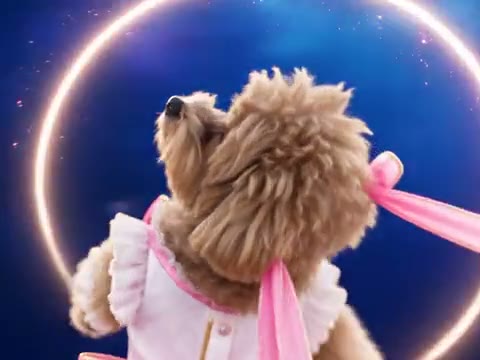
Magical pet transformation landscape example
Use the AI Pet Video Generator with an animal character you created or may animate. Compare styles and review accessories, proportions, and each visual result.
AI Pet Video Generator · Prepare the source media
A simple, well-lit subject gives the motion transfer a clearer target.
Use even light, sharp focus, and a pet large enough in frame to identify. Avoid heavy obstruction and overlapping animals.
Show the torso and legs for wide motion. A closer portrait can work for face-led performance when the reference stays close.
Results can vary across species, breeds, body shapes, and poses. Choose a reference whose visible body plan is reasonably compatible with the source photo.
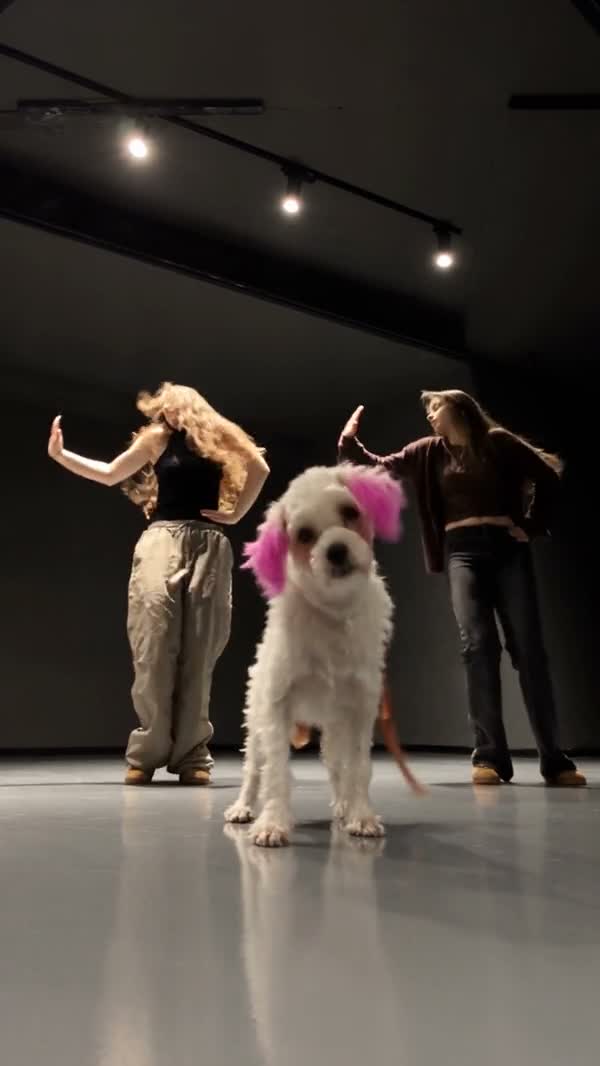
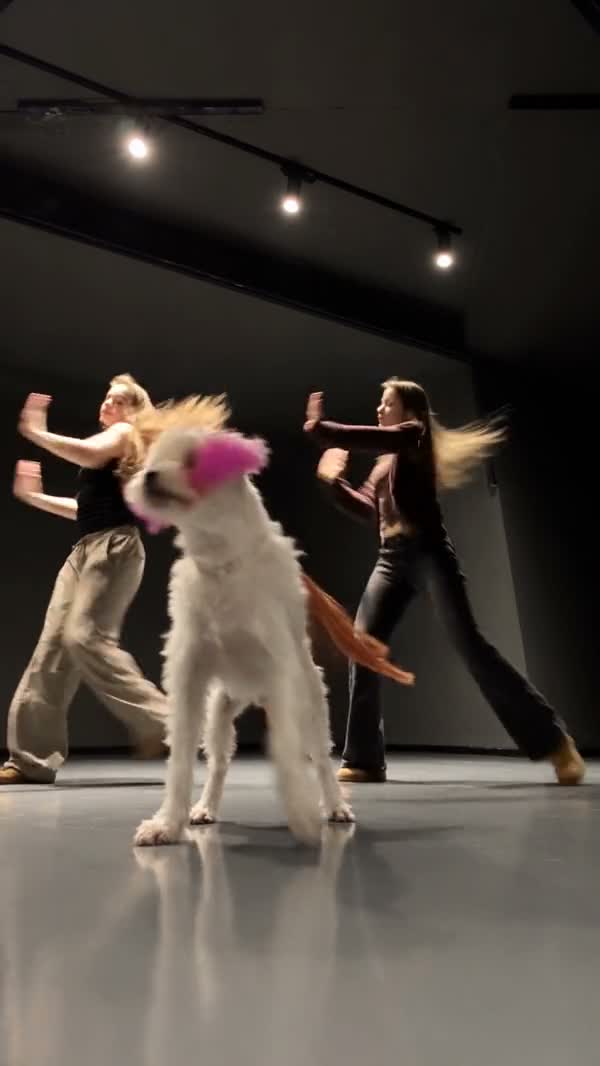
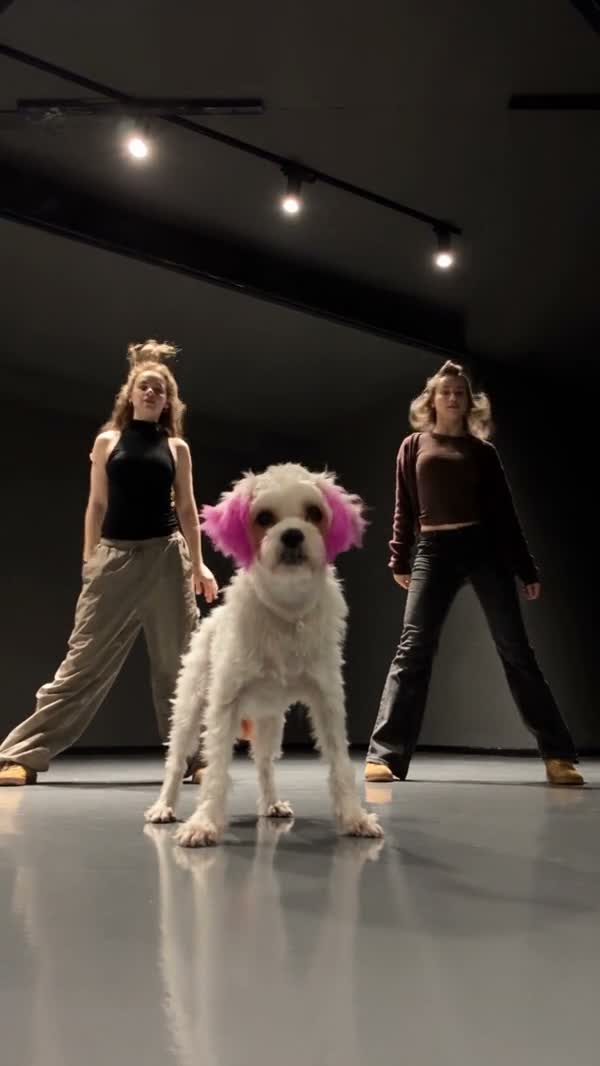
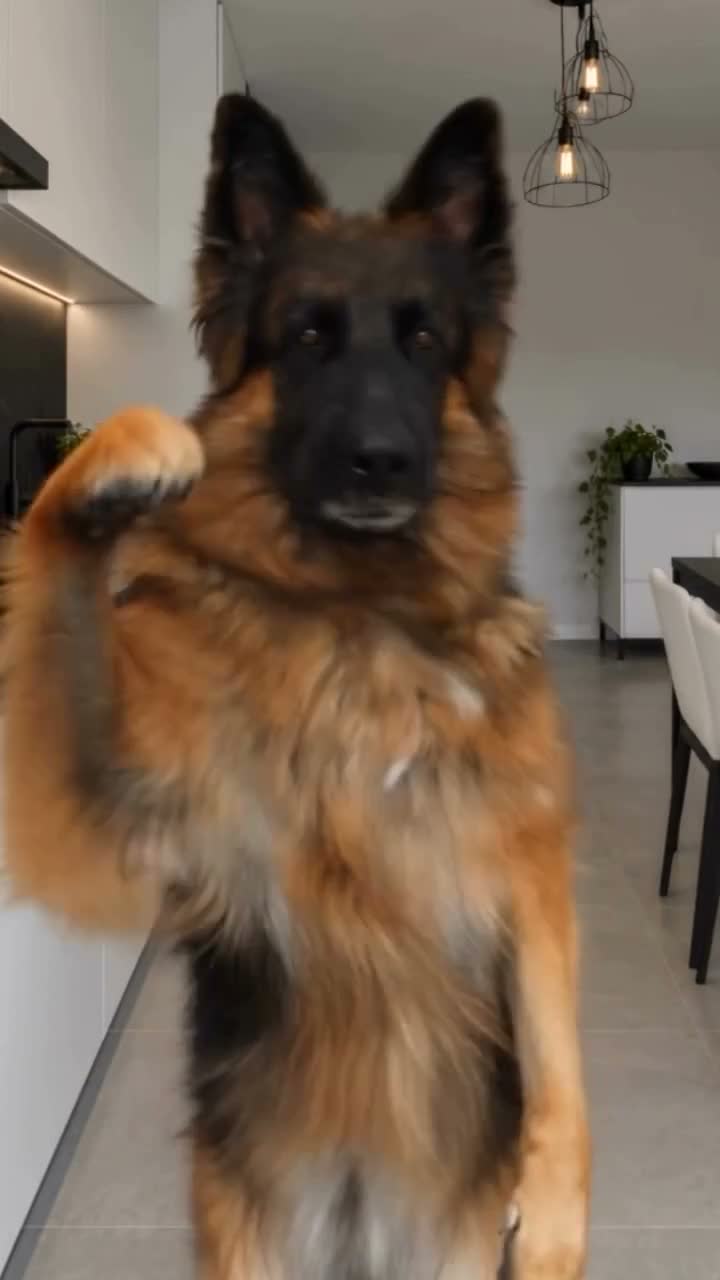
AI Pet Video Generator · Review the complete result
The output is an AI interpretation and needs visual review.
Paws, legs, tail, ears, and body scale can drift, especially during upright or fast movement.
Coat pattern, color edges, collars, and small accessories may change between frames.
A selected template can load sample images and a reference clip. Replace samples with your own authorized subject and confirm the settings before generation.
Find answers about AI Pet Video Generator photos, templates, uploads, and credits.
Yes, when the clip meets the selected model’s media and duration requirements. Upload it as the reference video and add the pet photo you want to animate.
Yes. The AI Pet Video Generator includes all 14 currently published pet templates. You can also upload any compatible reference video in the form.
You can try a clear authorized image, though results depend on species, body shape, pose, and the chosen movement. Review anatomy and identity across the complete output.
No. Filtering, previewing, and applying a template prepare the form. Credits are used after a valid generation is submitted.
Use separate photos when the chosen model or prepared template accepts multiple image references. The form validates the supported count.
Open My creations in the right panel to view pending and completed work, then download an available result after reviewing it.
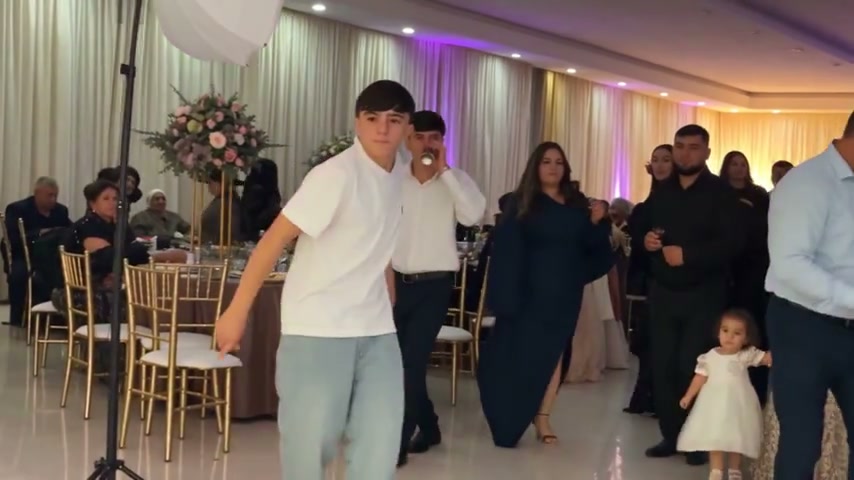
Use the AI Dance Generator to turn photos into dance videos with your own motion reference or 50 previewable templates.
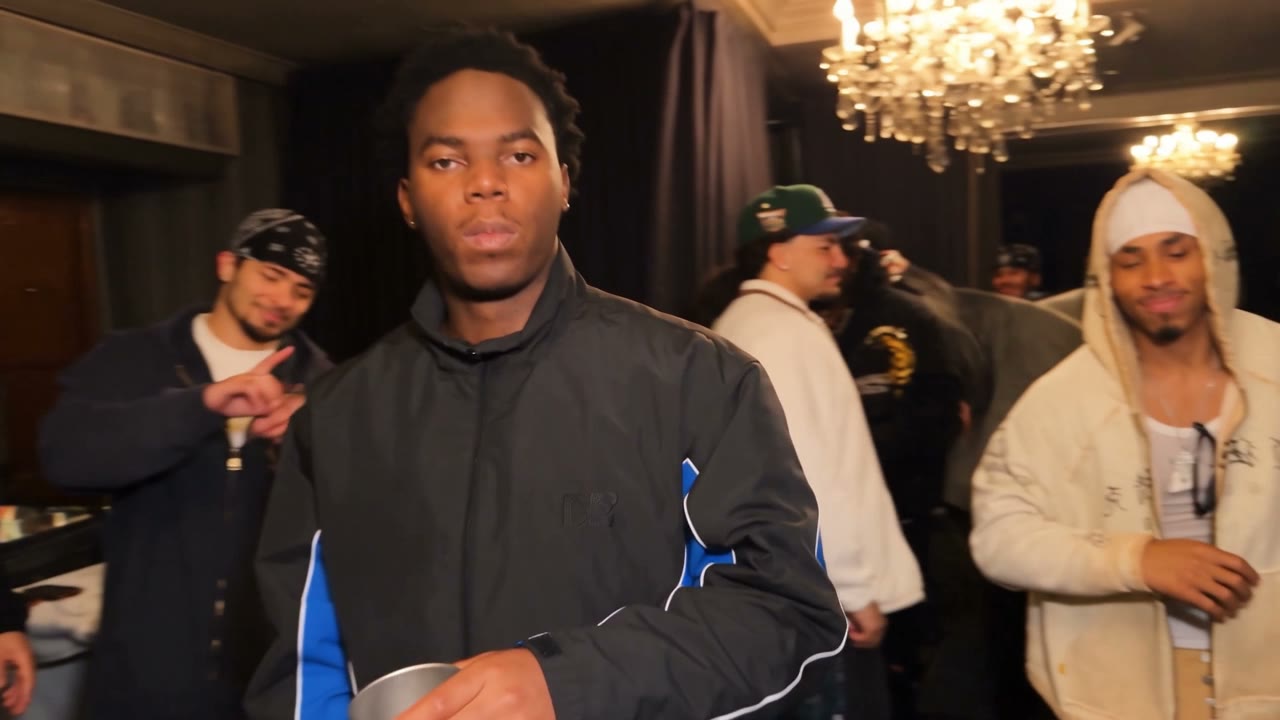
Use the AI Rap Video Generator to build visual rap-style performances with your own reference or nine previewable templates.
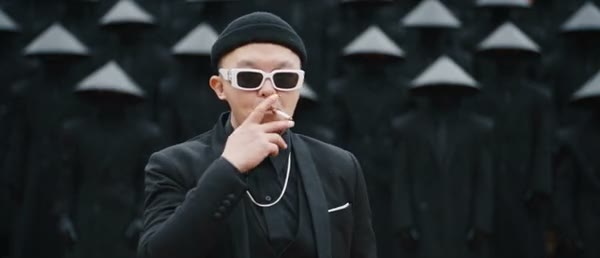
Use AI Performance Video Templates to browse 41 references or upload your own motion and subject photos in the same workspace.
Open the AI Pet Video Generator, compare the framing, and replace sample references with a clear photo you may use.
Open pet workspace