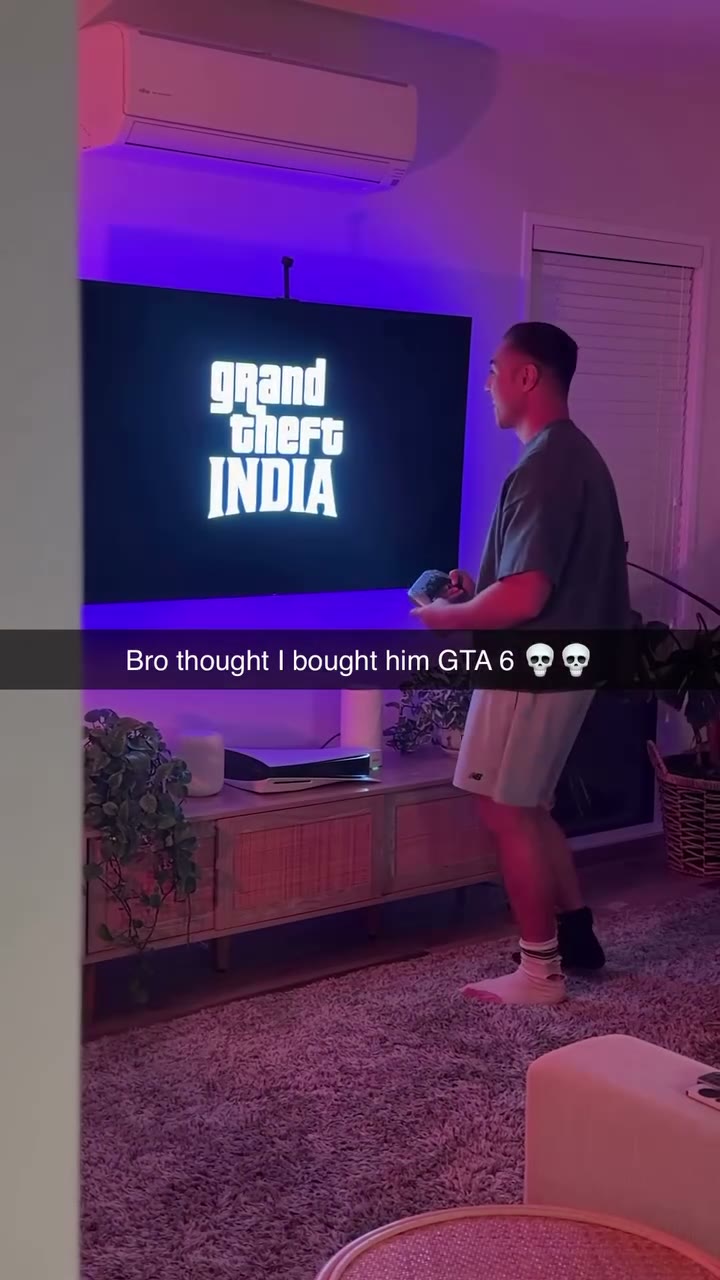
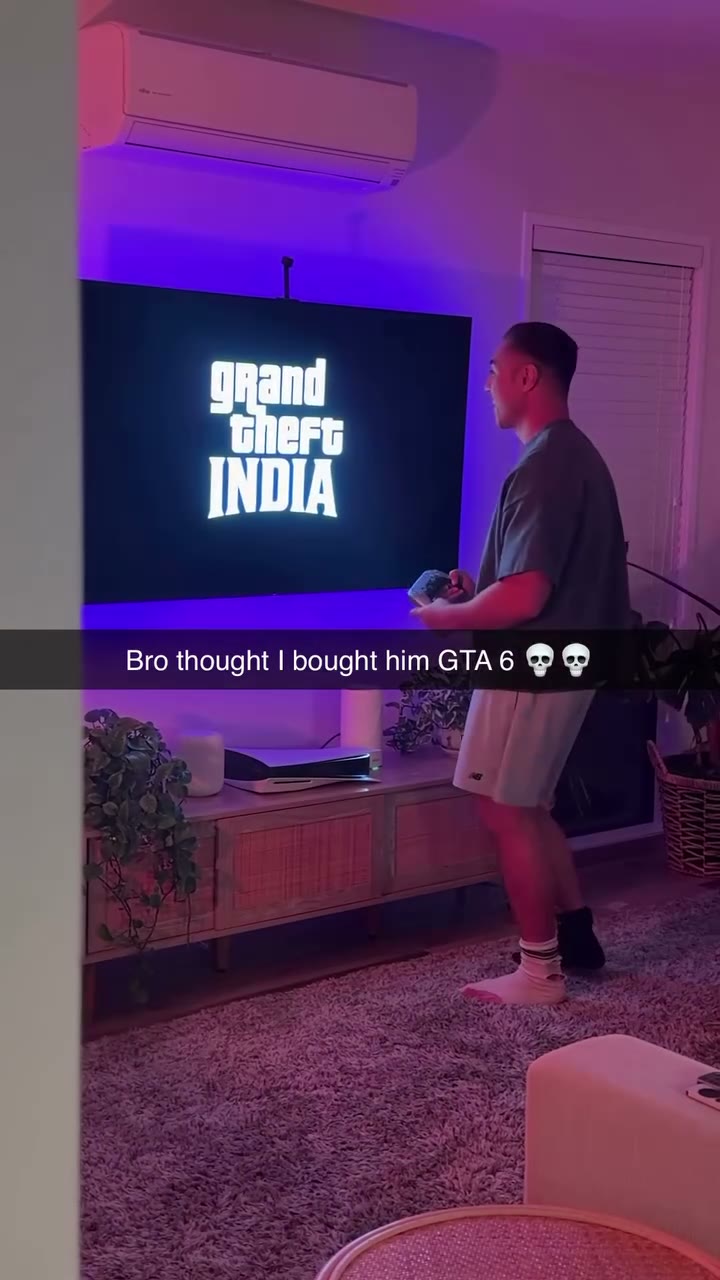
Review your Grand Theft India AI result
Inspect the player through the turn, then check the hands and television at the final moment. Watch your Grand Theft India AI video from start to finish and examine the points where the camera changes or hands interact with objects. Compare the person’s face, hair and clothing with the photo you supplied.
The delivery path is configured to restore reference audio. Listen to the completed file before arranging other audio around it. Check your permission to use the input image and the soundtrack for the destination where the final edit will be shared. If your story needs a different screen caption, make that adjustment in a separate editing workflow.
Plan a use for Grand Theft India AI
For Grand Theft India AI, consider whether the reveal itself fits your idea. The television and the text visible in the source are part of the prepared sequence, so choose this scene when those existing details support the joke. A reaction clip can work as a standalone post or as one moment inside a longer fictional story.
When preparing Grand Theft India AI, look at the person’s position beside the screen throughout the clip. The reference includes side and rear views as well as a turn, so a photo that clearly identifies one person is more useful than a crowded image. Hair and clothing visible in your photo can help guide continuity, although details may vary.
For the final Grand Theft India AI edit, decide whether you want the complete opening or the shorter selection that reaches the reaction sooner. Review the television and hands near the end, and inspect any text in the generated frames. If you combine this output with other footage, make those edits in a separate tool after downloading the result. The screen changes are already part of the footage; the page has no field for uploading a replacement screen image. Check that the visible screen and caption suit the context in which you plan to share the clip.
Before sharing Grand Theft India AI, check the entire exported file in the context where it will appear. A clip viewed on a small phone screen can make faces and on-screen text harder to read. Leave enough time to compare the final version with your reference and verify that the people, source media and audio can be used for your intended audience.