Skip to content

Flour Prank AI Video Generator

Bring two people into a kitchen surprise with the Flour Prank AI video generator.

Motion studio

Create a video

Generation mode

Full reference · 18s

Flour-covered person
Companion

A kitchen scene with two roles

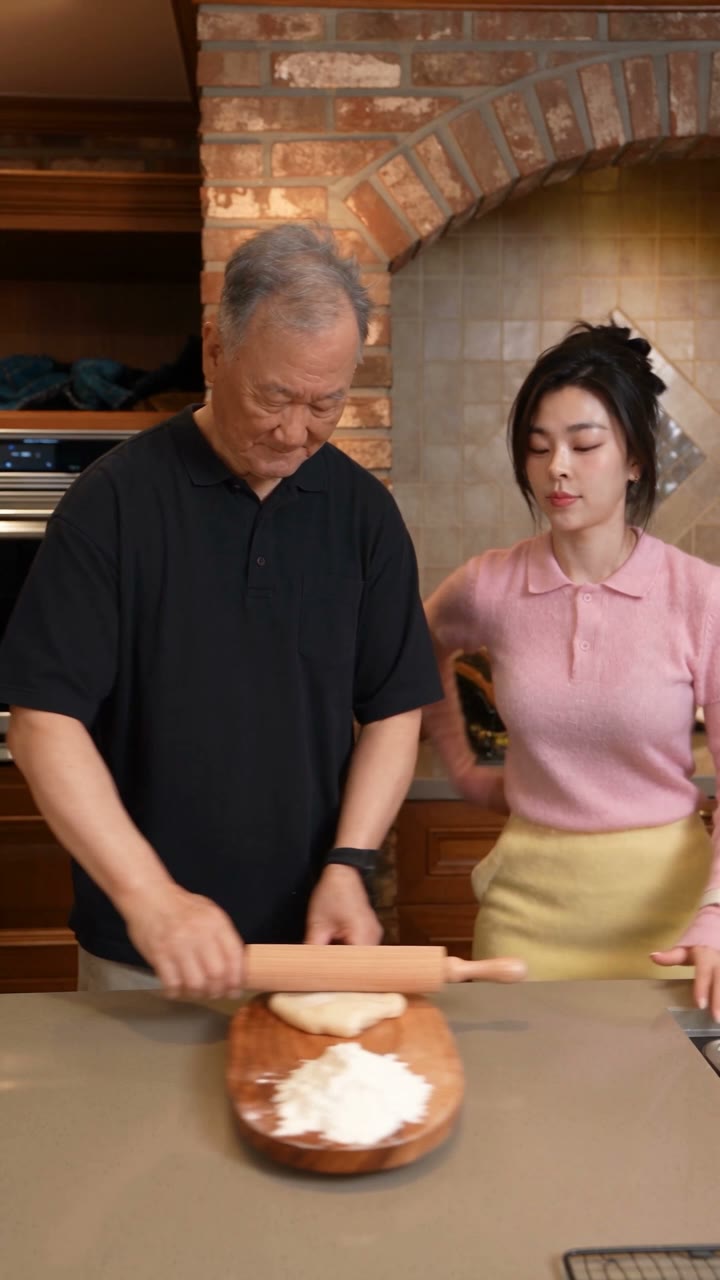
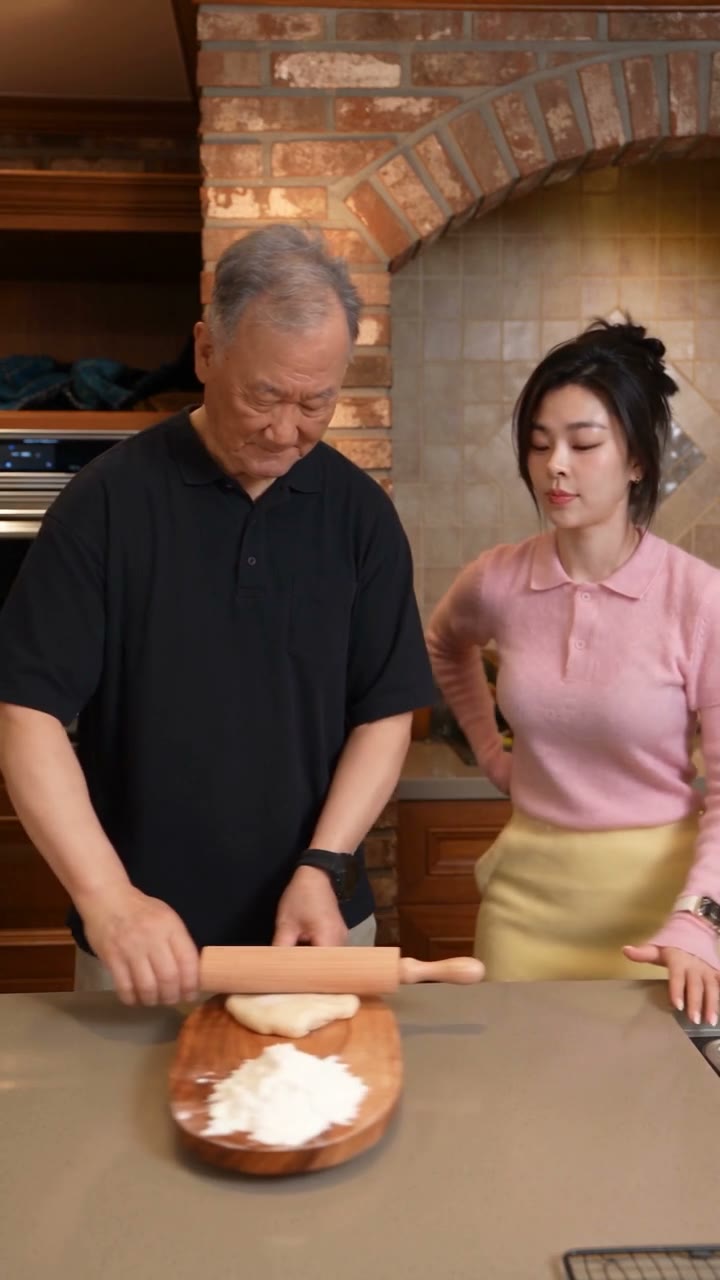
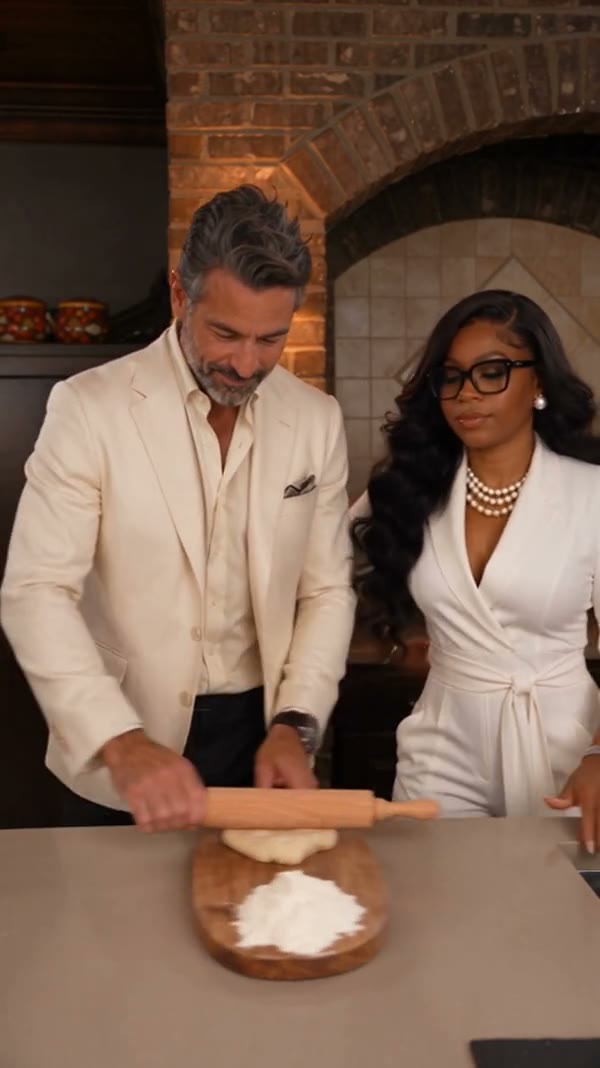
Flour Prank AI follows a prepared kitchen video: one person takes a rolling pin and is covered in flour while a companion reacts beside the counter. Upload a photo for each role to guide the characters in a generated take.

The rolling pin, counter, camera and timing come from the reference. Watch the scene first to decide whether the interaction suits your edit; the result can vary with the uploaded photos.

Flour Prank AI scene

How to make Flour Prank AI

  1. 01

    Choose the flour-covered person

    Add one clear, authorized photo in the first slot.

  2. 02

    Choose the companion

    Add a separate photo in the second required slot, then preview the mode.

  3. 03

    Create and inspect

    Check the displayed estimate, generate and play the result through the reaction.

Plan your Flour Prank AI video

Set up the joke

The prepared scene supplies the counter, flour and gestures. The first character handles the rolling pin; the second stays beside the counter and watches. The generated clip is a fictional scene rather than footage of a real prank.

A clear photo for each person helps identify the two parts. The person in the first slot is the one covered by the flour, so check the labels before creating.
Keep both people recognizable

Use separate individual photos with visible faces and hair. A distinctive outfit can help you follow each person through the scene, although the model may change details during movement.

The flour cloud and overlapping arms briefly hide parts of the subjects. Inspect those moments in the finished video as well as the opening frames.

Flour Prank AI highlight

Pick the moment to keep

Original follows the approximately 18-second reference from the beginning. Economy and Standard use a prepared later selection of about 15 seconds, retaining the flour and reaction.

Compare the active preview and credit estimate before submitting. Choose the complete setup if the lead-in matters to the story you want to tell.

Review the finished take

Play the whole result to check both faces, the rolling pin and the counter when the action speeds up. The model may reinterpret small details and the two attempts can look different.

The workflow attempts to restore the reference audio. Listen to the delivered file and check the permissions needed for your intended use before sharing.

Flour Prank AI scene still

Flour Prank AI questions

How many photos does Flour Prank AI need?

Two photos are required: one for the flour-covered person and one for the companion.

Which person handles the rolling pin?

The first photo guides the person who takes the rolling pin and is covered in flour.

Can I upload a different kitchen?

The kitchen, props and camera follow the prepared video; this page has no separate kitchen input.

Which mode includes the opening?

Original uses the complete reference. The short modes start later and keep the prank and reaction.

Will the finished video include sound?

The workflow attempts to restore reference audio. Check the resulting file because delivery can vary.

Make Flour Prank AI

Choose 2 photos and review the mode before creating.

Create a video