Skip to content

Day by Day Dance AI Video Generator

Cast the left opener, the center dancer, and the right dancer with three photos. The line, the entrances, and the floor stay in the scene.

Create a video

Left / opening · Photo 1
Center · Photo 2
Right · Photo 3

Three roles across one dance

Day by Day Dance AI places three roles from labeled photos, not from one group shot. Each role may be a human or an animal. Photo 1 is the left figure and the opening figure. Photo 2 is the center. Photo 3 is the right. The same subject photo may fill more than one slot, and each slot stays independent. The dance, the entrances, and the formation stay in the scene. You need permission for every subject you upload. A custom prompt or a custom video is handled at /video.

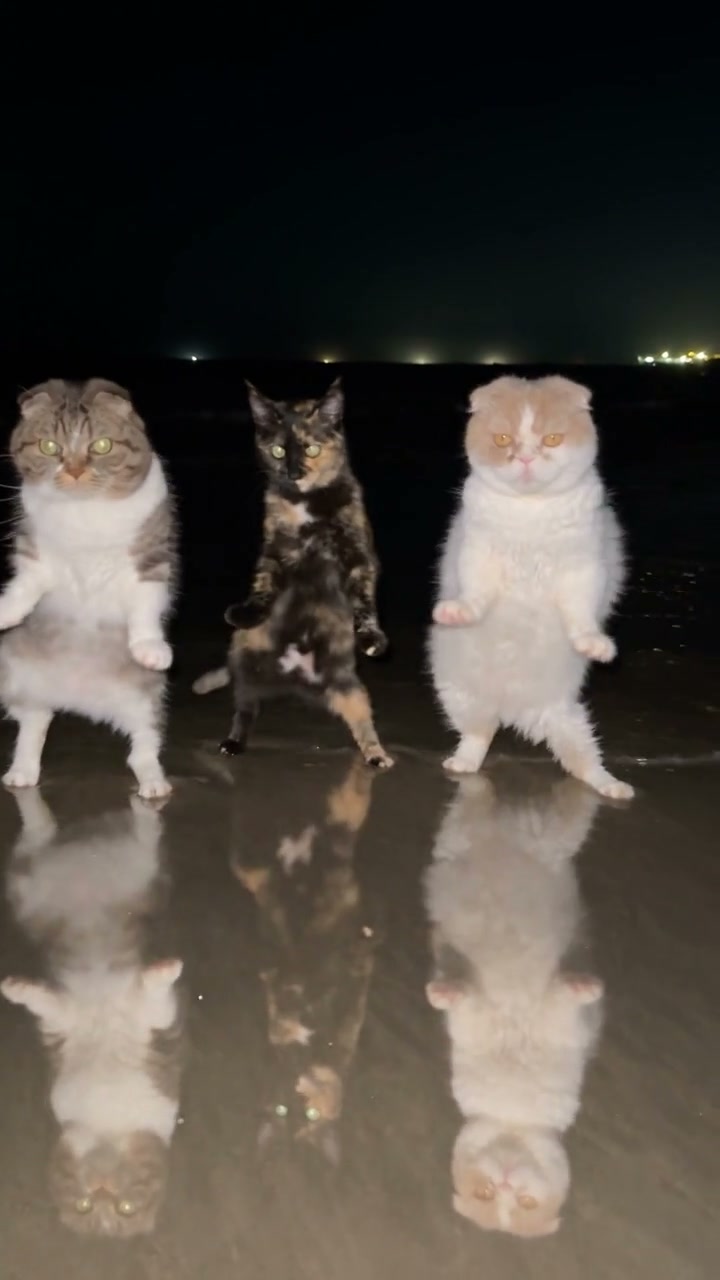
Community dance with three cats in the left, center, and right places

Place the line from left to right

  1. 01

    Start with the opening figure

    Upload Photo 1 as the subject on the left, human or animal, the one the dance opens on. Show the face, hair or fur, the body, and the outfit. Do not put the center subject in this slot and hope the sides will sort themselves out later.

  2. 02

    Add the center, then the right

    Photo 2 fills the center. Photo 3 fills the right. You may assign the same photo again, and the slots stay separate. After the files are in place, open Settings, choose a resolution, and read the estimate. Credits follow that resolution. There is no prompt field on this page.

  3. 03

    Follow all three slots through the formation

    Generate when the three slots are filled. Watch the opening, then the full line, and check that each assignment stayed where you put it. Repeating a photo does not promise the figures will match exactly. The soundtrack restored from the source should be part of that review.

Who stands where in Day by Day Dance AI

The opening belongs on the left

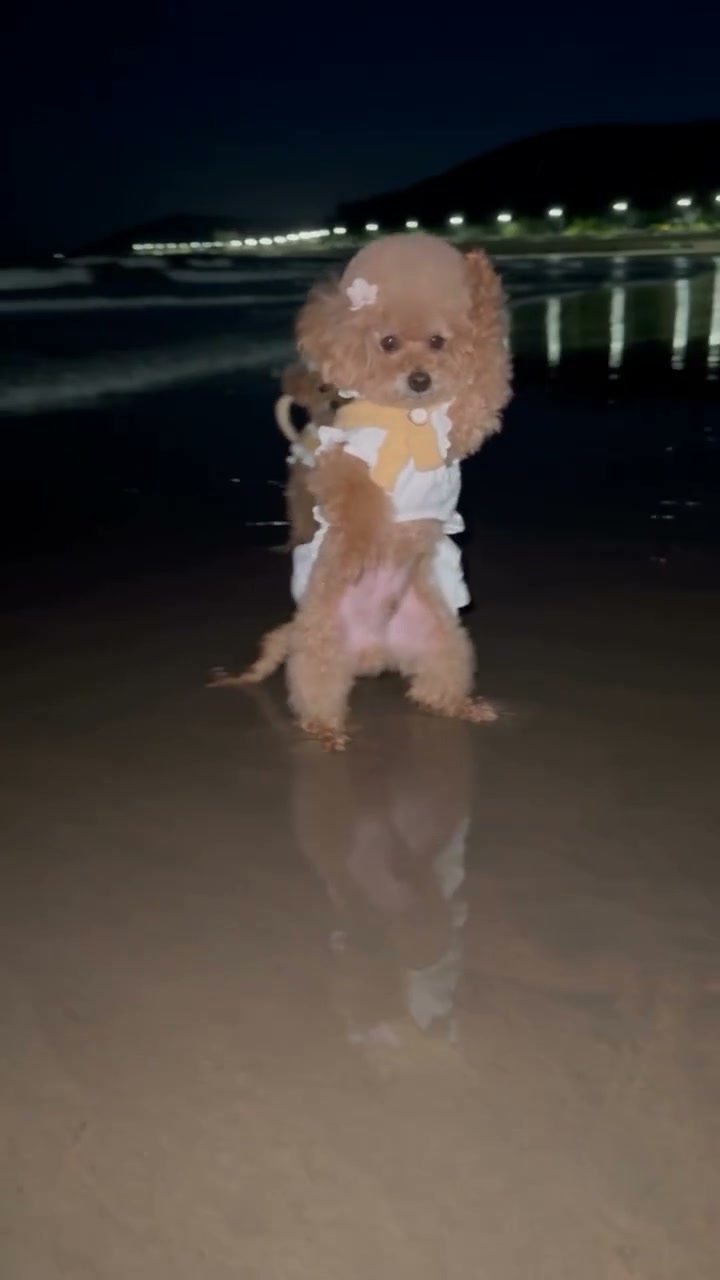
The clip begins with the left figure before the full line is the point of the shot. That subject is Photo 1, both at the opening and whenever the left place is occupied. A clear still is more useful than a picture already mid-step. The scene supplies the movement.

If you swap Photo 1 with another slot, you move that appearance into a different part of the line and you change who opens the dance. The opening solo is that same left assignment, not a fourth costume. Check the labels after you replace a file.

Keep the center slot independent

Photo 2 is the center assignment. It is not filled by whoever stands beside the subject inside the Photo 1 frame. You may upload the same subject photo here. The slot stays independent, and the result is not promised to look identical in every place.

A collage will not assign the middle face to the middle dancer. If the center photo shows two subjects, the role becomes ambiguous. Crop or retake so one subject owns the frame. The figures beside them come from the other uploads.

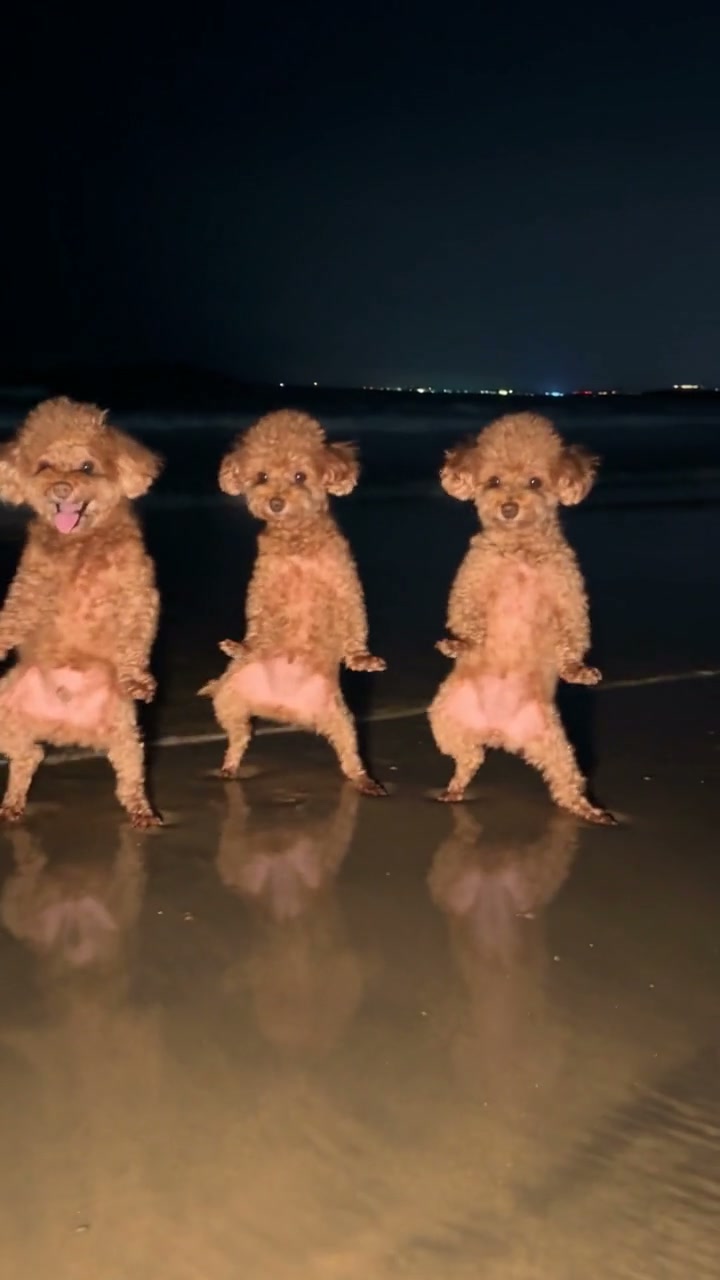
Community dance with three poodles across the formation

Close the line on the right

Photo 3 finishes the cast. It is the figure on the right as the camera sees the line. Put it in the labeled slot so the order matches the places. The right-hand role is one of the three the scene is built to show. The same photo may be used again when that is the subject you want there.

Give this photo a readable face, hair or fur, and enough of the body to follow through turns. If the right side goes soft while the left side stays clear, replace Photo 3 on its own.

Clothing can match across the line

What the photo shows is what that slot wears, including fur and accessories. Related colors are fine, and the same subject in more than one slot is fine. A collar-only crop leaves the rest of the costume to be inferred.

Similar coats are allowed. Covered faces are harder to follow once the bodies move. Small prints may not survive the full dance, so pick cues that still read at the size of the frame. Each slot keeps the appearance of its own file.

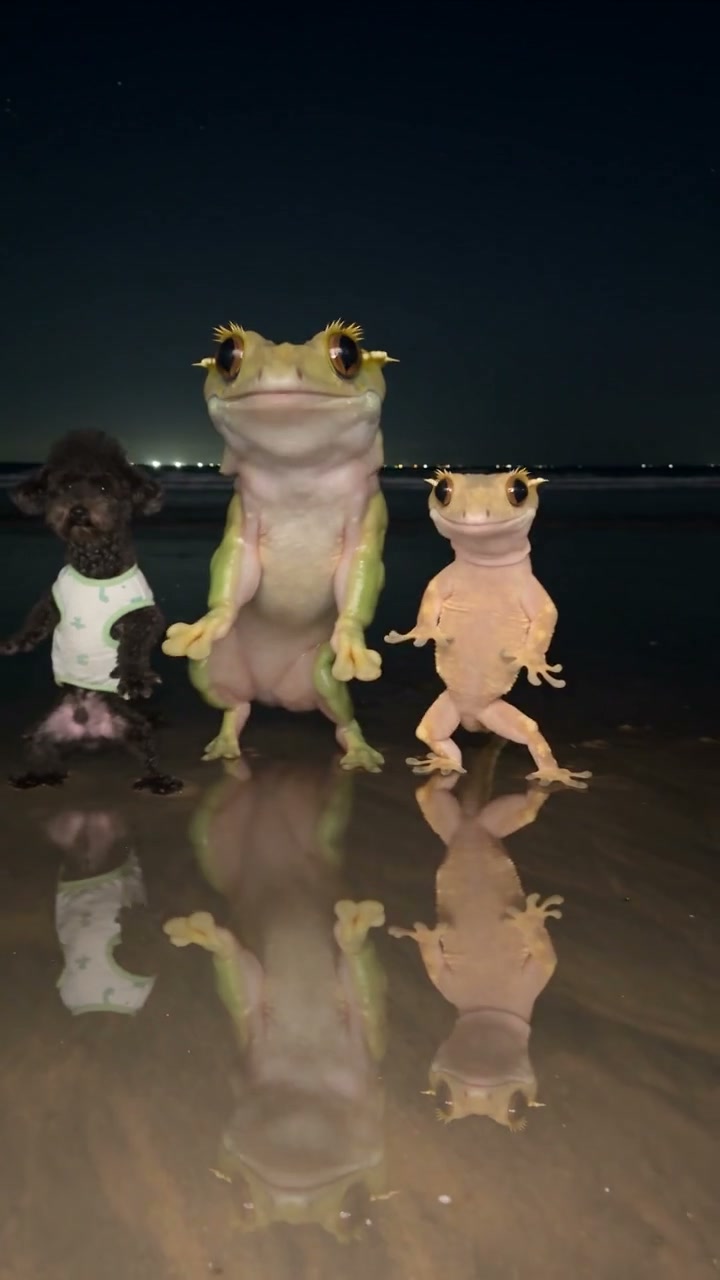
Community dance mixing three different appearances

Entrances and formation are already set

The scene already contains the entrances, the spacing, the camera, and the background behind the line. You are not staging a new floor or deciding when each figure walks in. Photo 1, Photo 2, and Photo 3 step into places the performance has already marked.

A photo taken on a beach does not move the dance onto sand. The formation stays. If you want another location, another count of figures, or a routine this clip does not contain, open /video and describe that routine there.

Three slots, and no fourth role

Three slots means three assignments. There is no upload for a soloist who is separate from the left figure, because the opening figure is Photo 1. There is no slot for someone behind the line. Adding another face inside one photo does not create a supported role. Repeating one file across slots still uses only those three places.

The result runs about 12 seconds, following the dance that is already there. You cannot extend the number, insert a new entrance, or hold the ending. Watch from the opening figure through the last formation. Duration is part of the scene, not a setting.

Frame of the opening figure before the full formation

The track comes back with the clip

The performance soundtrack is restored from the source, so the dance keeps the audio that belongs to this clip. You do not upload a song, and the portraits do not replace it. Play the result with sound when you check the opening and the moment the full line is visible.

Hearing that track does not make the uploaded subjects the recorded singers, and it does not transfer a right to publish the audio. Confirm you can use both the photos and the soundtrack for whatever you plan to do with the file.

Read the estimate after you pick a size

Credits follow resolution. The estimate on the generate control is the one attached to the size you picked, with these three slots and this dance. Plan examples for other clips are not a quote for this page. Sign in with enough credits for that estimate before you submit.

Each subject you upload needs to be one you may feature, unless the image is a character you are allowed to use. Using one permitted photo in two slots does not add a role. If a second attempt is only fixing the center, change Photo 2 and leave the other slots alone.

Still of the three-cat formation

Day by Day Dance AI: your questions answered

Which photo opens Day by Day Dance AI?

Photo 1 is the left figure and the opening figure. Photo 2 is the center. Photo 3 is the figure on the right. The opening is not a fourth role, and the center is not chosen by dropping that face into the last upload.

Can one subject fill more than one place?

Yes. The same subject photo may be assigned to more than one slot. Photo 1, Photo 2, and Photo 3 stay independent, so repeating a file does not merge them. The result is not promised to look perfectly the same in every place. Each subject still needs permission. A human or an animal can take any slot.

How long is the dance?

About 12 seconds. The entrances, the formation, and the ending all sit inside that length. There is no duration control for a longer routine or an extra entrance. Watch the full clip, not only the opening frame.

Will a portrait move someone to the other side?

No. Place in the line follows the photo slot, not the background of the picture and not the direction the subject happens to face. To put someone on the right, use Photo 3. The formation, camera, and background stay with the scene.

Where do I take a prompt of my own?

Go to /video when the words or the footage need to be yours. This dance page has no prompt field. It will not relocate the floor, add a fourth role, or rebuild the entrances from written instructions.

Does the soundtrack stay with the dance?

Yes. The performance soundtrack is restored from the source. No separate audio upload is required. That restoration is not a music license and not a new vocal from the subjects in your photos. Check your rights before you post the clip.

Cast the line in Day by Day Dance AI

Left opener, center, then right. Three slots, human or animal, with permission for every subject you upload. The same photo may be reused, and the formation is already in the scene. Check the resolution estimate, then watch the whole 12 seconds.

Try Day by Day Dance AI