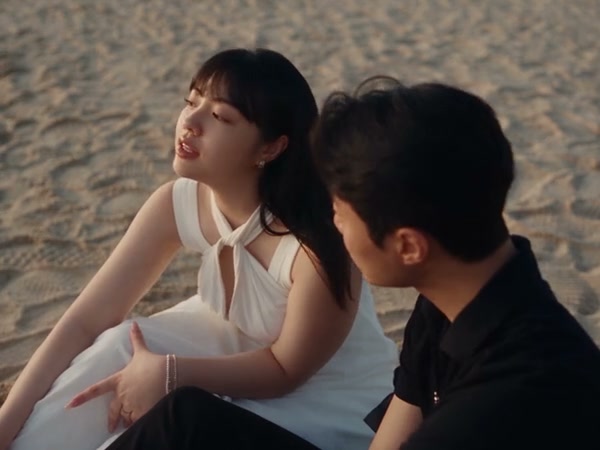
Skip to content

Raindance AI Video Generator

Two performers already share a wooden pier over the water. Your photos take their places: one starts seated in the dark green shirt, and the other wears the mint dress.

Create a video

Seated pier role · Photo 1
Mint-dress role · Photo 2

A pier dance with two assigned looks

The clip opens on a wooden pier, where one performer sits above the water in a dark green shirt and dark trousers. The second performer wears a pale mint halter dress, first close to the planks and later standing as the camera moves. Raindance AI keeps that shared dance, the water, and the far shore. Photo 1 replaces the seated dark-green-shirt performer. Photo 2 replaces the mint-dress performer. Both photos are required. You bring the faces and the clothing. The pier does the rest, and one generation will not match the next in every detail.

Pier dance preview with two performers in different outfits

Assign the two pier roles

  1. 01

    Start with the seated role

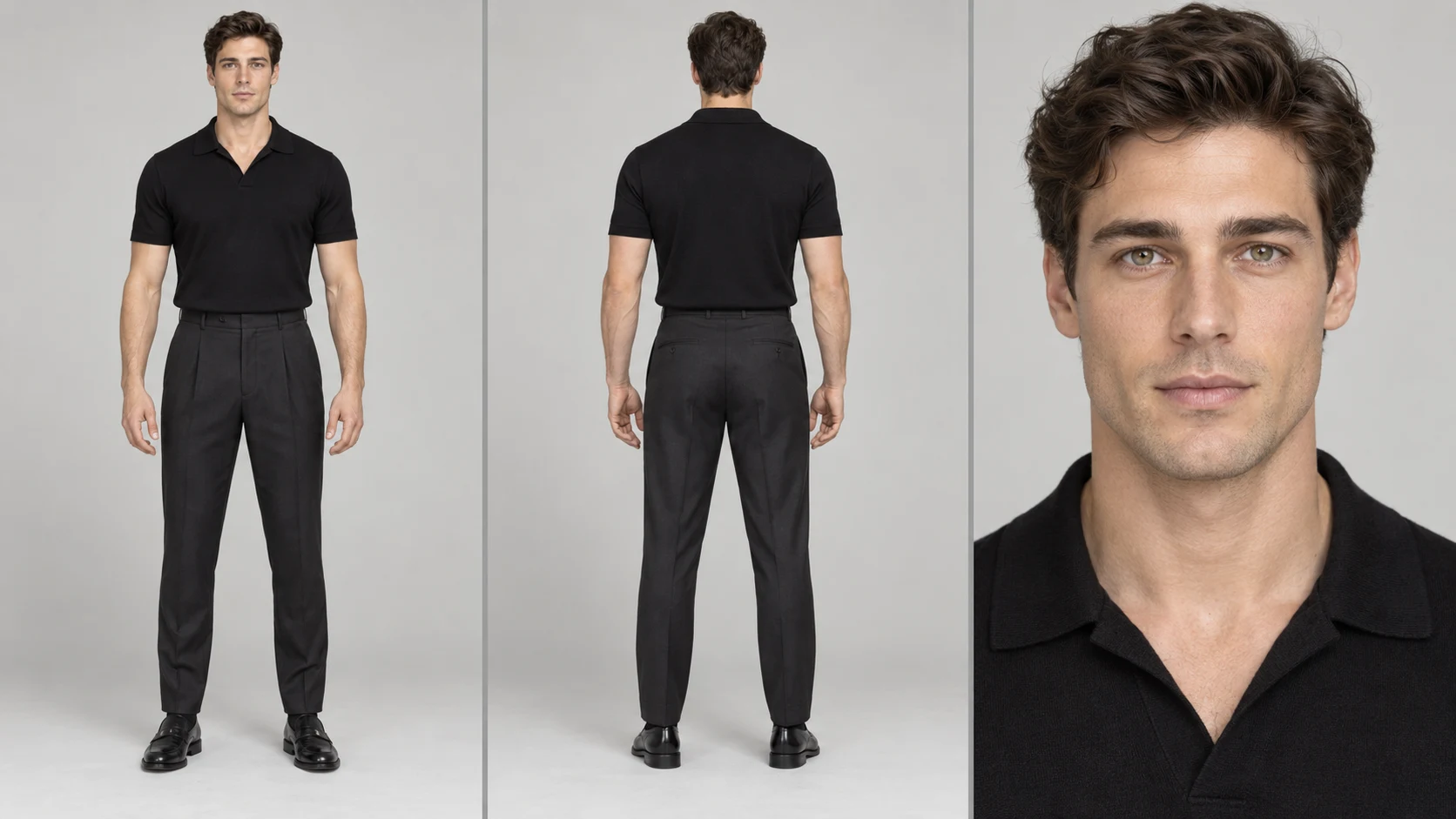
    Photo 1 replaces the performer in the dark green shirt who starts seated on the pier. Show one face, the hair, and the outfit you want in that role. The photo does not need to be taken on a dock, and the person does not need to be wearing green. Permission is required for anyone you upload.

  2. 02

    Then cast the mint-dress role

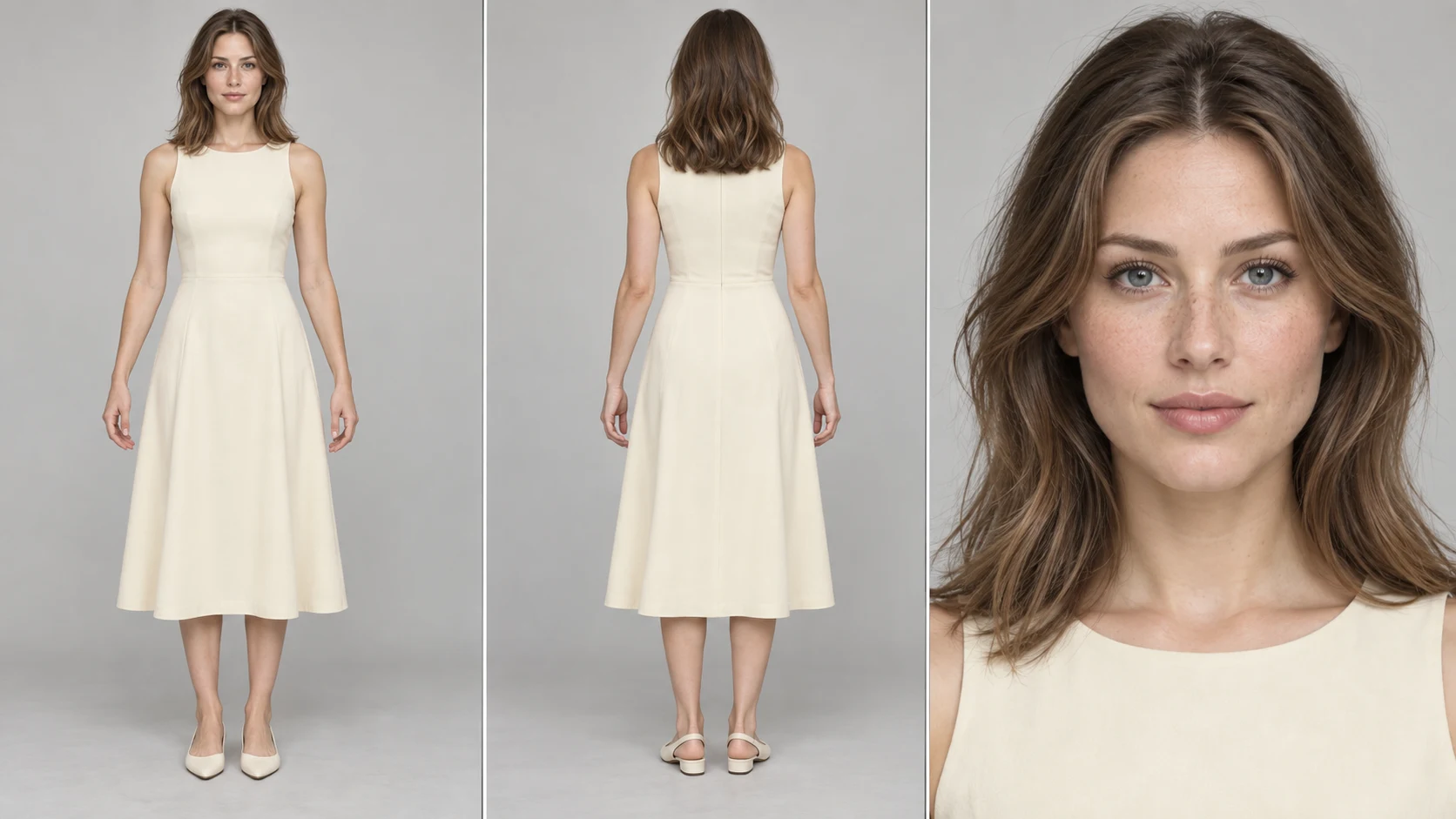
    Photo 2 replaces the performer in the mint dress. Use a different person from Photo 1, with face, hair, and clothing visible. A full or three-quarter figure helps the dress role more than a tiny face in a crowd. You are replacing that performer, not asking the page to keep the mint fabric unless your own photo shows it.

  3. 03

    Set resolution and listen back

    There is no prompt field on this page. The two roles are fixed. Resolution changes the credit estimate, so read the figure on the generate control after you pick one. The clip is about 28 seconds. The original soundtrack is added from the performance. A prompt of your own, or a video of your own, belongs on /video.

How the two portraits enter Raindance AI

The seated opener on the pier

Photo 1 begins the sequence sitting on the edge of the planks, turned toward the water, with a watch and rings sometimes catching the light in the source. That opening is how you recognize the role: dark green patterned shirt, sleeves down, one knee up. Your portrait takes the whole appearance of that performer, including hair and clothing, while the seated pose and the later movement stay.

A picture with the eyes unobstructed and the shoulders in frame is easier to follow once the camera comes closer. Heavy backlight, a hat that deletes the hairline, or two people standing together leaves the role uncertain. The dark green shirt is the source costume you are replacing. It is not a dress code for the file you upload.
The mint dress marks the second role

The second performer wears a pale mint halter dress with a knot at the neck and a soft skirt. In some shots that person is seated low, hands resting, and in others they stand on the pier against open water. Photo 2 is the only reference for that role. It should be someone other than the person in Photo 1 so the two sides of the dance stay distinct.

If you want a mint dress in the result, it needs to be in Photo 2. If you want a coat, a suit, or a bright shirt instead, that clothing should be in the photo too. The scene will still move the way the mint-dress performer moves. Fabric folds, jewelry, and hair can shift between frames, so review both the close shots and the wide shot on the pier.

Preview frame of the two pier performers

Both portraits are required

This page asks for two photos and does not run on one. Leaving either slot empty leaves a role unassigned. There is no third slot for a guest, a boat crew, or a duplicate of the same person in a second outfit. If you want one person to appear twice, that is a different project and it starts on /video.

Order matters for the roles, not for a story you invent. Photo 1 is always the performer who starts seated in the dark green shirt. Photo 2 is always the mint-dress performer. Swapping the files swaps the roles. Replacing one file later updates that role only, so check the labels again before you spend the credits for another pass.

Planks, water, and the far shore remain

The setting is a long wooden pier over calm water, with posts, a few tires along the pilings, a low green shore, and a small boat in the distance. None of that is a photo slot. Your portraits do not move the dance into a ballroom, a city, or a studio. The wide view down the pier stays part of the performance.

Weather and time of day stay with the source as well: bright sky, open horizon, and the warmer light in the closer shots. A portrait shot indoors can still enter, but it will be placed into that outdoor light, which can change how skin and fabric look. If a new location is the point of the idea, use /video rather than this fixed pier.

Example portrait for the seated dark-shirt role

Clothing arrives with each photo

Each photo is the full appearance reference for its role: face, hair, build, and clothes. A tailored jacket on Photo 1 replaces the dark green shirt for that performer. A gown, a jumpsuit, or a simple tee on Photo 2 replaces the mint dress. The dance does not keep a costume you did not supply, and it does not invent a matching pair of outfits for you.

Patterns, text on a shirt, and thin straps are easier to lose than a solid color and a clear neckline. Choose clothes that still read when the person turns or when the frame is wide. Accessories in the source, such as a chain or earrings, are not a separate upload. If they matter, they should be visible on the person in the photo you assign to that role.

The dance is already in the performance

You do not need a picture of anyone mid-step. The pier performance already contains the gestures, the turns, and the way the two people share the frame. The photos are casting, not choreography. A still portrait is often more useful than a blurry action shot that happens to resemble one pose.

The camera moves from the seated opener to closer views and back to the length of the pier. Both roles have to hold up across those shots. A face that looks right in one close-up can drift in the wide view, or the clothing can simplify when the figure is small. Watch the whole passage, not only the first second.

Example portrait for the mint-dress role

The track comes with the pier

The original soundtrack is added from the performance. You do not attach a song file, and the page does not write a new vocal in the voices of the people in your photos. Mouth movement follows the loaded performance and can miss the track. Listen to the download before you treat the clip as finished.

Burning Bridges AI is not affiliated with the artists, the label, or Higgsfield. The pier scene is a casting setup on this site, not a label release and not an endorsement. You are responsible for permission to use the portraits and for how you share the soundtrack that arrives with the performance.

Where a new idea should go instead

Raindance AI is the wrong page if you need a third dancer, a different shoreline, a spoken intro, or a shot list of your own. Those choices need a custom prompt or a custom video, and both live on /video. Here, the length, the pier, and the two roles stay put.

Credits depend on resolution. A finer setting costs a different amount than a coarser one, and the estimate updates with the choice you see in Settings. About 28 seconds is the length of this performance. There is no dial for a shorter cut or an extra chorus. Generate when both labeled photos are the people you mean.

The pier dance from the seated opening through the shared movement

Raindance AI: your questions answered

Does Raindance AI need two photos?

Yes. Photo 1 replaces the dark-green-shirt performer who starts seated on the pier. Photo 2 replaces the mint-dress performer. One portrait cannot cover both roles, and there is no extra slot beyond those two.

Must Photo 2 already show a mint dress?

No. The mint dress identifies the source role. Photo 2 supplies the appearance that takes that role, including whatever clothing is in the picture. If the dress matters to you, photograph the dress. If another outfit matters, photograph that instead.

Can I change the pier or the camera?

No. The planks, the water, the far shore, and the camera path stay with the performance. This page has no prompt field. Your photos change the two performers. A different place or a different sequence of shots belongs on /video.

Is this an official version of the song or the artists?

No. This page is not affiliated with the artists, the label, or Higgsfield. It casts two photos into a fixed pier performance. It does not endorse anyone. Results vary, and the faces may not match your stills.

What audio is on the finished clip?

The original soundtrack is added from the performance. The portraits do not bring new voices. Timing around the mouth can slip. You need permission for the people in the photos and for the way you plan to share the track.

How long is the pier clip, and why do credits change?

The result is about 28 seconds, with no separate duration control. Credits depend on resolution. Check the estimate after you change that setting, then review both roles across the wide pier shot and the closer views.

Cast both sides in Raindance AI

Put one person in the seated opening and another in the mint-dress role. The water, the planks, and the dance are already there. Bring two portraits you have permission to use.

Try Raindance AI