Skip to content

Unforgettable Car AI Video Generator

A person and a car are required. Background, the original 2 card, and the original 4 card are optional, and each one can stay empty on its own.

Create a video

Person · required
Car · required
Background · optional
Original 2 card · optional
Original 4 card · optional

A person, a car, and three choices you can skip

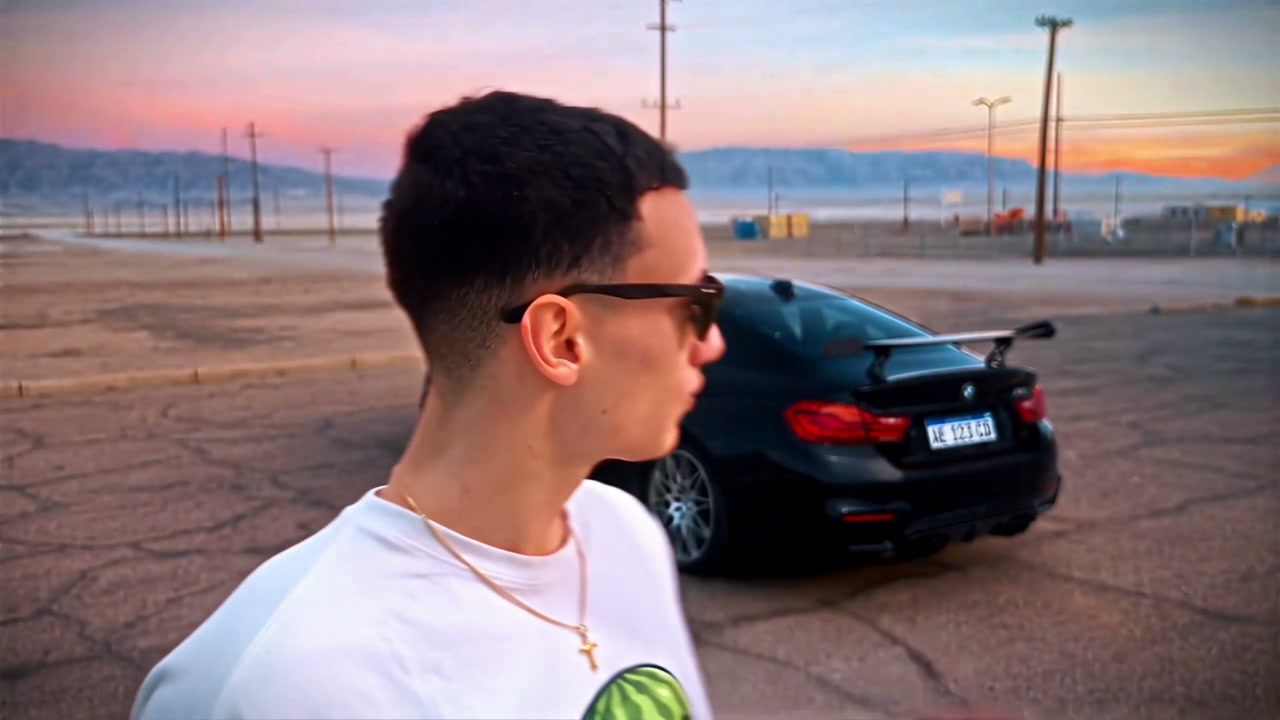
The performance starts close on a person in a cracked asphalt lot at sunset, then a hand lifts two green cards, one marked 2 and one marked 4, and swipes them aside. Only after that swipe does the car appear, parked behind the person. Unforgettable Car AI always needs a person photo and a car photo. Background, the original 2 card, and the original 4 card are independently optional. Two to five photos cover the eight ordered combinations. Leaving an optional slot empty keeps that part of the source. You do not fill the optional slots in a forced sequence.

Community example with the car revealed in a garage setting

Set the required pair, then only the pieces you want

  1. 01

    Add the person and the car

    The person photo needs one face, the hair, and the clothing you want on the character. The car photo needs one vehicle with body, wheels, and color visible. Both are required. Use people and vehicles you have permission to depict. Neither photo has to be shot in the desert lot.

  2. 02

    Skip any optional you want to keep

    Background, the original 2 card, and the original 4 card are separate. Add any one of them, any pair, or all three. Leave a slot empty to keep that part of the source. You do not have to add a background before a card, or a 2 card before a 4 card. Empty is a real choice, not a missing step.

  3. 03

    Check the mix, the resolution, and the reveal

    The labeled slots, not an upload sequence you invent, decide which file plays which part. Unforgettable Car AI has no prompt editor. Credits depend on resolution, so read the estimate for the setting you picked. The clip is about 12 seconds, and the car stays hidden until the source card-swipe reveal. A prompt of your own, or a video of your own, belongs on /video.

Unforgettable Car AI roles and optionals

The person photo is required

The character speaks close to the camera, then lifts a hand that briefly covers the face with the cards. In the source, that person wears a dark jacket, a light shirt, a red-and-white striped tie, and pale narrow sunglasses. Your person photo replaces that entire appearance, clothes included. You do not need the same tie or the same glasses unless you want them.

Use a picture where the eyes, hairline, and neckline are readable. The face is hidden during the swipe and visible again once the cards leave, so the portrait has to hold up on both sides of that gesture. One person only. A specific likeness is not assured. Permission is required for the person you upload.
The car photo is required

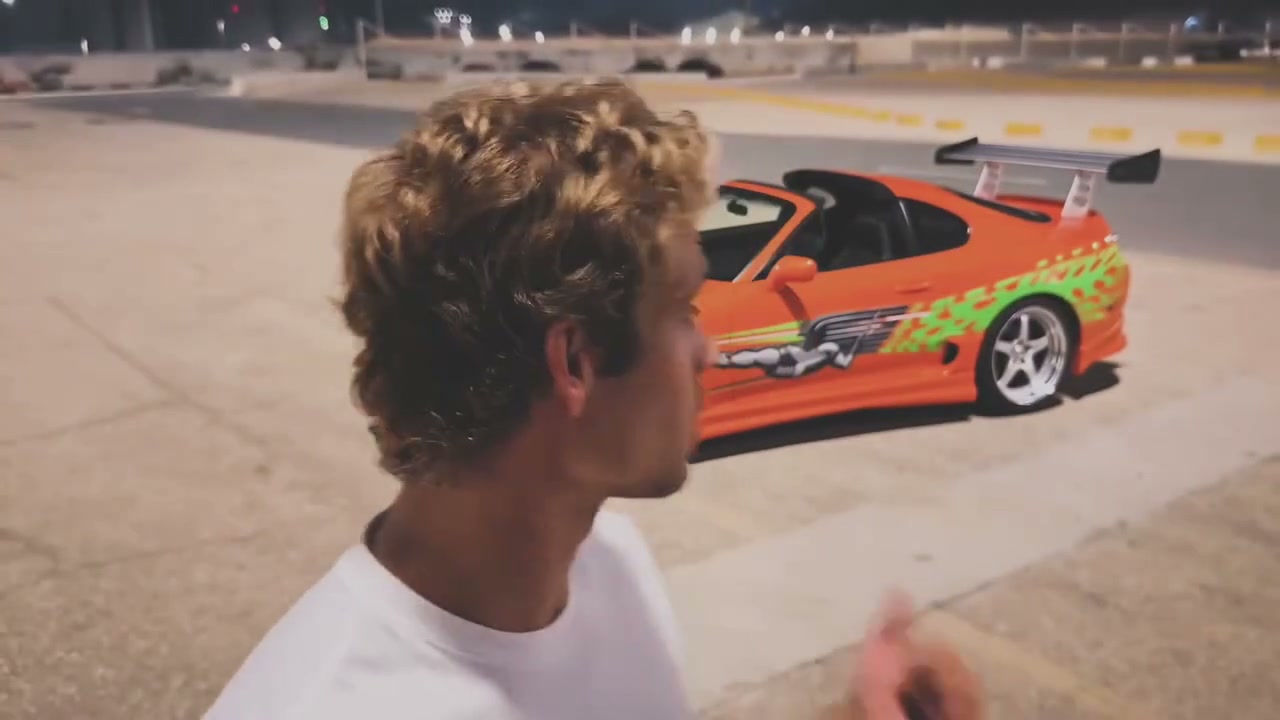
The second required file is the car. Show the body, the wheels, and the color in one view, with as little clutter as you can manage. A front three-quarter or a clear side that still shows the whole vehicle is easier to connect with the parked reveal than a crop of a headlight or a badge.

This is not a partnership with any car brand, and the result is not a manufacturer photograph. Use a vehicle you have permission to depict. Badges and small trim can come back unevenly. Judge the parked car after the swipe, not from the still alone, and expect differences from one generation to another.

Community example that changes the car color and body

The car stays hidden until the swipe

Until the cards move, the lot behind the person stays empty of the featured car. The reveal follows the source timing: the hand swipes, the cards blur out of the face, and the car is then parked in the position and orientation the performance already uses. Your car photo does not bring the vehicle in early, and it does not send it driving through the frame.

Do not upload a sequence of the car in motion and expect those extra poses to play. One still of the vehicle is the reference for color and body. The performance decides when it appears and where it sits. If you need a chase, a door opening, or a different reveal, that is a custom video on /video.

Background is optional on its own

Leave the background slot empty and the source setting remains: cracked pavement, a pink and orange sunset, power lines, distant mountains, and low buildings on the horizon. That empty slot is complete. You do not unlock it by filling a card, and you do not have to fill it before you change a card.

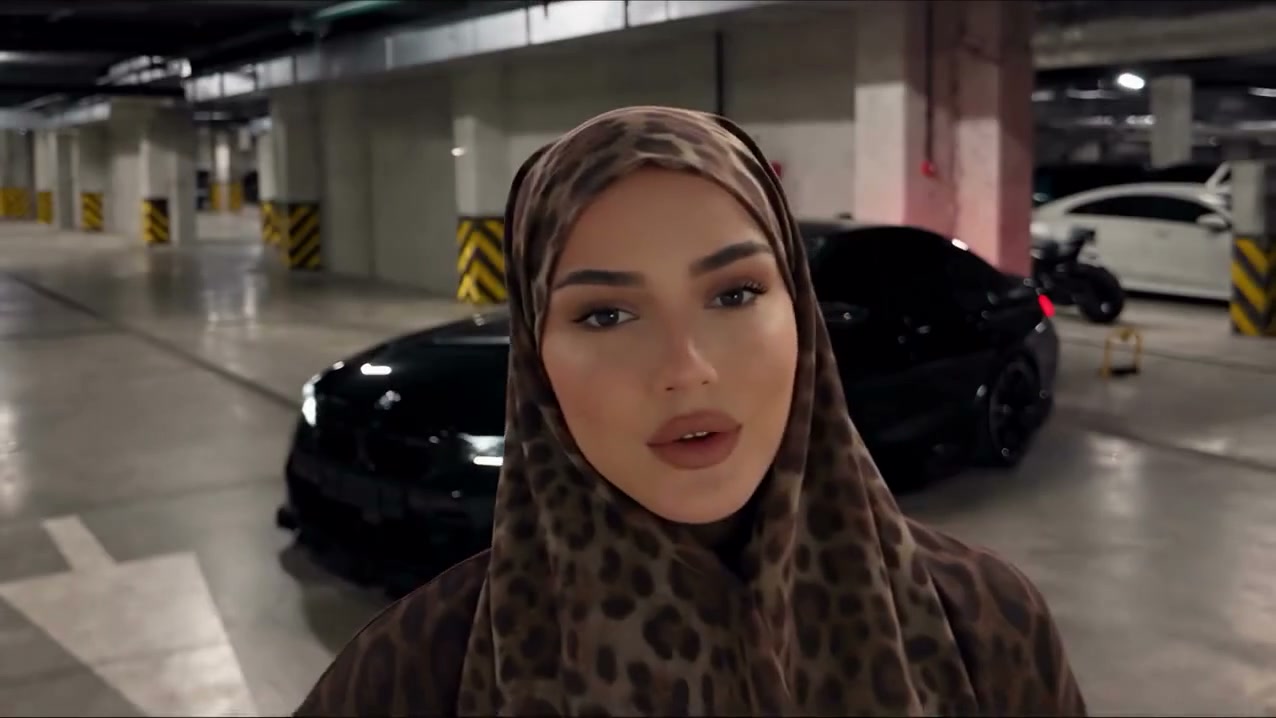
If you do add a background, make it an open scene with room for the parked car. A garage, a street, or a storefront can stand in for the lot when that photo is actually supplied. People wandering through the background are not a cast. The person role is still the required portrait, and the car still waits for the swipe.

Community example with a street background behind the parked car

The original 2 card is its own choice

The original 2 card is the green card with the large 2, held up beside the 4 and then swiped away. Supply artwork only if you want to replace that card. Leave the slot empty and the source 2 card stays, including its number and its movement. The swipe does not wait for you to design a card.

A replacement should be a clear picture of the card face you want, not a photo of a whole deck or a hand of many cards. The performance still occludes the face and still throws the card aside on the same beat. You can change this card without touching the background and without changing the 4. Those slots do not depend on each other.

The original 4 card is separate

The original 4 card is the companion card, marked with a large 4, overlapping the 2 in the hand. It has its own optional slot. Filling it does not require the 2 card, and leaving it empty does not reset the 2 card or the lot. The source design remains for whichever card you skip.

Use artwork you have the right to upload. The page is not affiliated with a card brand, and it will not clear rights for a design you do not own. Numbers and edges can soften while the hand moves. Check both cards at the moment they cover the face and again as they leave the frame.

Community example using a storefront as the optional background

Eight mixes, with no required optional order

Three optional slots mean eight ordered combinations: none of them, background only, the 2 card only, the 4 card only, background plus the 2 card, background plus the 4 card, both cards without a background, and all three together. Person and car are present in every mix. Two photos is the minimum. Five photos is the maximum.

Ordered means each filled file stays tied to its label. It does not mean you must march through background, then the 2 card, then the 4 card. Skip any optional. Add the 4 card alone if that is the only change you want. An empty optional keeps that part of the source instead of borrowing a neighboring file.

Two photos are enough to start

If you only have a person and a car, stop there. The sunset lot, the original 2 card, and the original 4 card remain. That is one of the eight combinations, and it is a finished setup. Adding optional files later is a new choice, not a correction of a mistake.

The result runs about 12 seconds. The original soundtrack is added from the performance, in time with the swipe and the parked reveal. Credits depend on resolution. There is no prompt field on this page. A custom prompt or a custom video belongs on /video. Review the face before the cards, the cards if you replaced them, and the car only after it is revealed.

Still from a sunset background version of the car reveal

Unforgettable Car AI: your questions answered

Which Unforgettable Car AI photos are required?

The person and the car. The person photo carries face, hair, and clothing. The car photo carries body, wheels, and color. Background, the original 2 card, and the original 4 card can all be left empty. You need permission for the people and vehicles you upload.

Do I have to fill the optional slots in order?

No. Do not fill them in a forced sequence. Each optional is independent. You may add only a background, only the original 2 card, only the original 4 card, or any pair. Empty keeps the source version of that piece.

What are the eight combinations?

Person and car, plus every mix of the three optionals: none, one, two, or all three. That is eight ordered combinations, from 2 photos up to 5. The order is the labeled role of each file, not a checklist you must complete from top to bottom.

When does Unforgettable Car AI show the car?

The car stays hidden until the source card-swipe reveal. After the cards move aside, it is parked in the performance position. The car photo does not make the vehicle visible during the opening close-up.

What happens if I leave both cards empty?

The original 2 card and the original 4 card keep their source designs and their swipe. You can still replace the person, the car, and, if you choose, the background. Skipping both cards is a valid combination.

Can I write a prompt or change the timing?

No. This page has no prompt editor, and the reveal timing stays with the performance. The clip is about 12 seconds. Credits depend on resolution. A prompt of your own, or a video of your own, belongs on /video. Results vary.

Start Unforgettable Car AI with the pair

Add the two required photos, then change a background or a card only if you want that piece replaced. Unforgettable Car AI keeps every optional you leave empty, and it holds the car until the swipe.

Try Unforgettable Car AI