Skip to content

Tiny Desk AI Video Generator

One lead photo is required. Saxophone, keys, and the two backing singers are optional and independent. Choose Original for the full desk set, about 19 seconds, or Highlight for the prepared 15-second cut.

Create a video

Lead singer · required
Saxophonist · optional
Keyboard player · optional
Backing singer · left · optional
Backing singer · right · optional

A desk-side band you can recast in pieces

Tiny Desk AI keeps one small-room performance: a lead at the desk, a saxophonist, a seated keyboard player, and two backing singers behind the keys. The camera already cuts between the group, a close lead, and a saxophone turn. Your first photo always replaces the singer. The other four roles are optional and do not depend on each other. Sixteen ordered mixes cover every combination from the lead alone through a full five-person recast. An empty optional slot keeps that source performer. The room, the instruments, and the cut order stay.

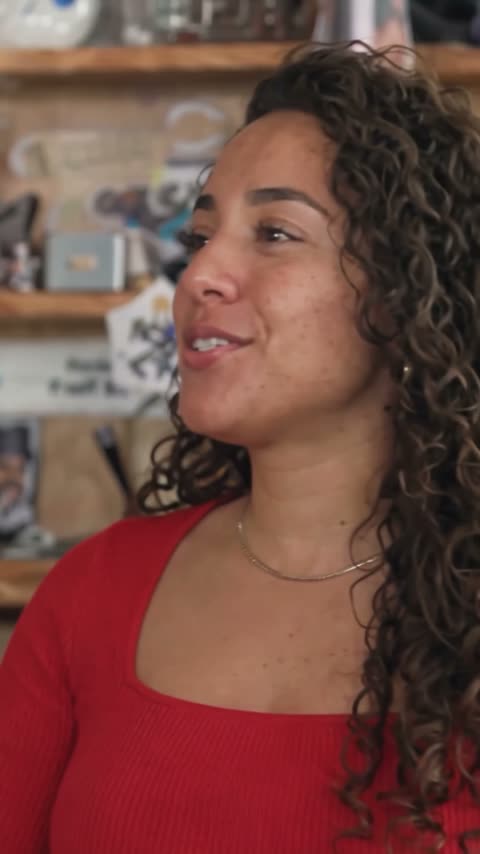
Community desk-side band with a recast lead singer

Cast the singer, then only the bandmates you want

  1. 01

    Start with the lead

    Use one clear photo of the person who should sit at the desk. Show the face, hair, and the clothes you want on that singer. The source red cap and black hoodie are not a required look. A group shot makes the only required role unclear.

  2. 02

    Leave any bandmate empty if you want them kept

    Saxophone, keys, left backing singer, and right backing singer are separate. Add any one of them, any pair, any three, or all four. Left and right are from your view of the two singers standing behind the seated keyboard player. You do not fill them in a forced order.

  3. 03

    Check the mix, the length, and the cuts

    The labeled slots decide which file plays which part. Tiny Desk AI has no prompt editor. In Settings, pick Original for the full sequence, about 19 seconds, or Highlight for the prepared 15-second cut. Credits follow the length and the resolution. The original soundtrack is restored on delivery. A prompt of your own, or a video of your own, belongs on /video.

Tiny Desk AI roles and optionals

The lead singer is required

The first photo owns the person at the desk, including the opening group view and the later close-up. Hair, clothing, and accessories travel with the face. You do not need the source cap or hoodie unless you want them.

Use a picture where the eyes, hairline, and neckline stay readable when the camera moves in. One person only. Permission is required for the person you upload. A specific likeness is not assured.

Four bandmates, each optional on its own

The saxophonist, the keyboard player, the left backing singer, and the right backing singer each have a slot. Fill only the ones you want to change. Empty is a finished choice, not a missing step.

Left means the white-shirt singer behind the keys as you see the group. Right means the red-shirt singer on the other side. Those labels stay with the person through later angles. You can replace the right singer without touching the left, and you can replace the sax without touching the keys.

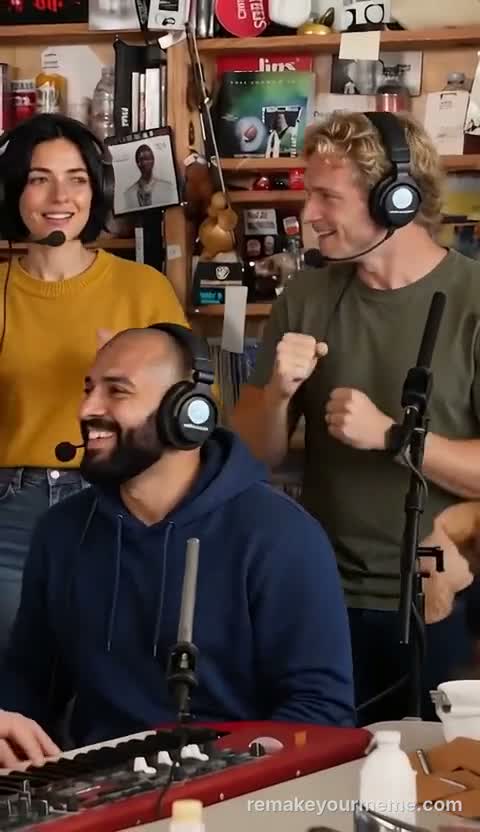
Community duo with a new lead and saxophonist

Sixteen mixes, with no required optional order

Four independent optionals mean sixteen ordered combinations, from one photo up to five. Ordered means each filled file stays tied to its label. It does not mean you must march through sax, then keys, then the two singers.

Add the last backing-singer slot alone if that is the only change you want. An empty optional keeps that source performer instead of borrowing a neighboring file.

Clothes come from each photo

Each uploaded person brings their own outfit into that role. Source clothing is only a way to name who sits where. The navy-and-white sax top, the white cap at the keys, and the two backing-singer shirts stay only when you leave those slots empty.

Use separate, single-person pictures when you want the roles easy to tell apart. A collage or a group frame makes the assignment ambiguous.

Community trio sharing the desk-side performance

The desk and the instruments stay

The room, the desk, the keyboard, the saxophone, and the camera cuts belong to the performance. This page has no background picker and no instrument swap. The photo changes a person. It does not rebuild the set.

That limit is also why the page is not a concert booking and not a partnership with a venue or a broadcast desk. The result is a recast of this fixed sequence.

Original, or a prepared 15-second highlight

Original follows the full desk-side sequence, about 19 seconds. Highlight is a shorter prepared cut of that performance, about 15 seconds, and still includes the lead, the saxophone turn, and the return to the group. The highlight is already cut. You do not pick timestamps.

The original soundtrack is added from the selected clip. Uploading a photo does not clone a voice or write a new song. A higher resolution does not stretch the clock. Credits follow the length and the resolution you pick in Settings.

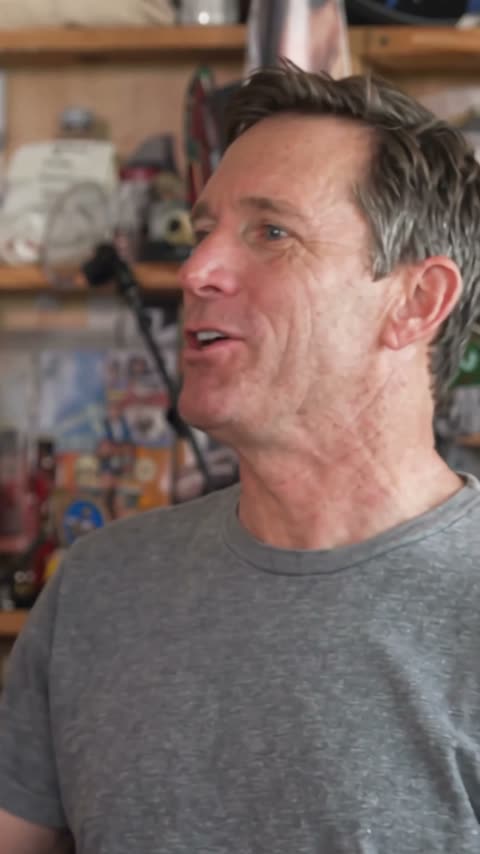
Still of a recast lead at the desk

What to watch after it renders

Play the close-up of the lead and the return to the group. Check that each filled role still looks like the person you uploaded after a cut. Hands on the keyboard and the saxophone can drift; look at those frames slowly.

An extra face, a swapped outfit, or a singer who has borrowed a neighbor’s look means look again. Results vary from one generation to the next.

One photo is enough to start

If you only have a lead, stop there. The source saxophonist, keyboard player, and both backing singers remain. That is one of the sixteen mixes, and it is a finished setup.

Adding optional files later is a new choice, not a correction. There is no prompt field on this page. A custom prompt or a custom video belongs on /video.

Still of a two-person desk-side recast

Tiny Desk AI: your questions answered

Which Tiny Desk AI photos are required?

Only the lead singer. Saxophone, keys, left backing singer, and right backing singer can all stay empty. You need permission for the people you upload.

Do I have to fill the optional slots in order?

No. Each optional is independent. You may add only the sax, only one backing singer, or any mix. Empty keeps that source performer.

What are the sixteen combinations?

The lead plus every mix of the four optionals, from none through all four. That is sixteen ordered combinations, from 1 photo up to 5. The order is the labeled role of each file.

Does Tiny Desk AI include the music?

Yes. The completed video includes sound from the prepared reference. The photo does not create a new voice or a newly recorded song. There is no lyrics or music-upload control.

Can I change the room or the instruments?

No. The desk, the instruments, the cuts, and the unused bandmates stay with the performance. A different scene belongs on /video.

Can I write a prompt or choose a shorter clip?

There is no prompt editor. Length is a prepared choice in Settings: Original is the full sequence, about 19 seconds, and Highlight is the prepared 15-second cut. Credits depend on that length and the resolution. A prompt of your own, or a video of your own, belongs on /video. Results vary.

Start Tiny Desk AI with the singer

Add the lead, then change a bandmate only if you want that seat recast. Tiny Desk AI keeps every optional you leave empty.

Try Tiny Desk AI